Simplify User Navigation with Smart Main Menu
Guide users with a quick and interactive chat session by helping them access your best products straight from the Messenger menu. Allow your brand to have conversations automatically, avoid complications, and keep your audience interacting!.
What Makes Reflys' Main Menu a Game-Changer?
Take your conversations from simple to significant. The Reflys Messenger menu is designed to guide users and ensure that every interaction counts.
90%
Message Visibility Rate
50%
Real Engagement Rate
2.2Bn+
Global Messenger Users
70%
Interaction Consistency
Powerful Key Features of Messenger
Main Menu Automation
Boost engagement and drive conversions with these unique Messenger Main Menu automation features designed for smart marketers.
Incorporate Brand Tone Through Menu Language
Use interactive language that reflects your voice, turning every menu tap into a micro-branding moment.
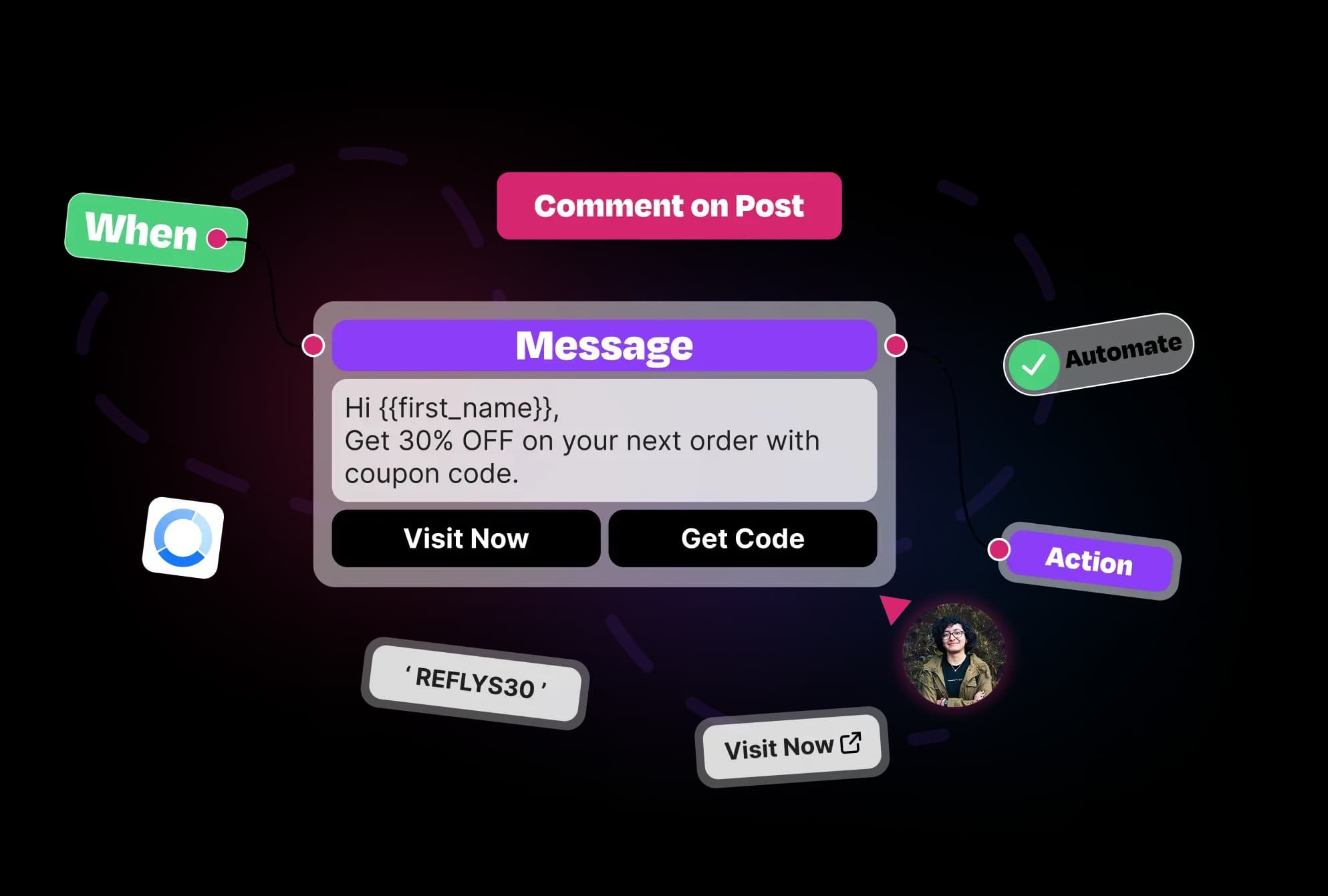
Rotate Menu Offers Based on Social Campaign Cycles
Connect your Messenger Main Menu with the schedule for your campaign to increase visibility and urgency.
Dynamic Personalization with User-Level Menus
Display options on menus that are more meaningful for individual visitors using their tags and behavior.
Clickable Website Integration
Easily guide your customers to take action by linking your menu items to product pages, booking forms, or personalized landing pages.
Automated Workflow Triggers
Set automations to start when users click menu items—perfect for sharing promotions, lead magnets, FAQs, or support.
Preview-First Editing for Confidence
Design with clarity and confidence by previewing exactly how your menu will look to users before publishing changes live.
Customizable Menu with Actionable Items
With up to 4 customizable menu items, organize product links, help content, or CTAs all in one easy-to-access space.
Menu Automation for Targeted Customer Engagement
Automate menu changes based on rules like tag additions or field updates, perfect for segmentation and targeting different customer personas.
How to Set Up Main Menu with Reflys?
Setting up the Main Menu on Facebook Messenger through Reflys is a seamless process that allows businesses to guide users to key features, automations, or links.
1
Access Your Messenger Main Menu Settings
In your Refly dashboard, navigate to Basic Automations → Messenger → Main Menu to open the persistent menu editor for Facebook Messenger.
2
Add New Menu Items
3
Link to Automations or URLs
4
Preview Your Menu Layout
5
Publish and Activate

Everything You Need
for Messenger Engagement
With Reflys, you can do marketing, capture leads and deal with customer support, all from a useful and simple platform.
Conversation Starters
Invite users to start a conversation with instant prompts at the beginning.
Learn MoreMain Menu
Let users click the menu in Messenger to navigate to products, support and other features.
Learn MoreWelcome Message
Always begin your conversation with a welcome message when a new visitor opens your profile.
Learn MoreDefault Reply
If you can't respond to a message right away, make sure to set up an automatic reply to respond to your customers immediately.
Learn MoreDrives Success with
Main Menu Automation
Discover how the Basic Automation Main Menu in Messenger helps your business grow by making it easy for users to find what they need quickly.
Instant Access to Your Services
Let users quickly find your top products or services from the menu without manual searching.
Simple Setup for Everyone
Create and update your menu easily upto 10 times a day with clear step-by-step Reflys automation, even if you do not know about coding.
Accessible Menu, Anytime
The menu stays visible during chats so users can explore other options anytime without leaving the conversation.
Consistent User Experience
Keep your brand consistent by using the same menu style every time.
Questions? We've got answers.
Everything you need to know about Reflys, automations, integrations, and getting started.
The menu helps you quickly access the important, automated tools and web links inside your Messenger app.
Turn more conversations into customers.
Set up your first automation in under 10 minutes. No risk to your accounts—just more conversations turned into sales, starting today.
Start free trial7-day trial. Not charged until it ends.

Turn conversations into opportunities with automated replies and follow-ups.

Get better
at customer automation.
Powered by BJS Soft Solutions LLC © 2026, Reflys.
By using Reflys, you agree to our Terms of Service and acknowledge our Privacy Policy.