Never Leave a Customer Message Unanswered Again
Reflys' automation of the Default Reply gives a smart backup when no specific response is set, to ensure every customer message gets an instant, friendly reply. It's the simplest way to stay professional, build trust, and keep conversations 24/7.
Why Choose Reflys for Default Reply Messenger Automation?
Choose Reflys to automate your default replies and never miss a chance to connect with customers.
90%
Message Visibility Rate
50%
Real Engagement Rate
2.4Bn+
Global Messenger Users
75%
Interaction Consistency
Powerful Key Features Default Reply Messenger Automation
Default Reply Automation with Reflys for Messenger ensures you never miss a message, keeping conversations active and customers engaged 24/7.
Always-On Auto Replies
Never leave a message hanging. Reflys ensures your users get an instant, friendly reply even when you're offline or unavailable.
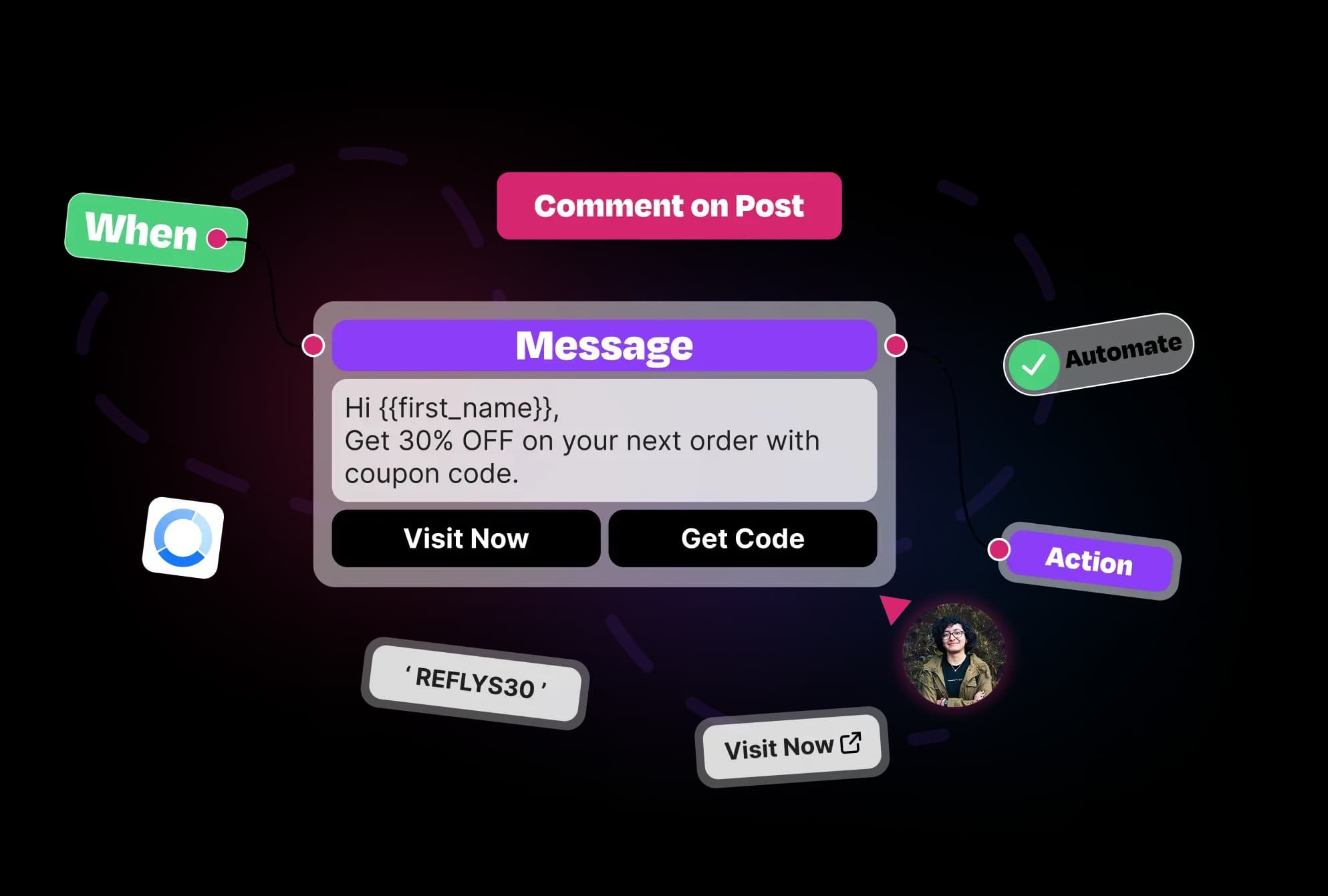
Easy Setup & Customization
Set it up in minutes with a simple interface. Choose from pre-built flows or build your replies to match your tone and business goals.
Flexible Trigger Settings
Decide how often you want to set an automation reply, every message or once in 24 hours. You stay in control of how often users see your automated replies.
Boosts Customer Engagement
Even when the bot doesn’t have an exact answer, the Default Reply keeps the conversation going and shows users that you're listening.
Lead Capture Friendly
Use your Default Reply to collect user info, ask questions, or route them to relevant products, making it a powerful tool for lead generation.
No-Code Flow Builder
Design custom reply flows with drag-and-drop ease. No tech skills needed, just your message and creativity to engage consumers.
Instagram Story Filter Option
Target your automation better by choosing to reply only to Instagram DMs, not story replies. Smarter replies, fewer mistakes.
Real-Time Activation & Deactivation
Switch your Default Reply on or off with a single toggle. Make quick changes anytime, without disrupting your automation setup.
How to Set Up Default Reply Automation with Reflys?
Reflys makes it simple for their customers to set up their Default Reply Automation. Follow these steps to set up default reply automation on Messenger quickly.
1
Go to Settings
Open Reflys and head over to the Settings tab, then select the Messenger channel.
2
Choose Your Automation
3
Customize Your Reply Flow
4
Set Trigger Rules
5
Activate and Go Live

Everything You Need
for Messenger Engagement
With Reflys, you can do marketing, capture leads and deal with customer support, all from a useful and simple platform.
Conversation Starters
Invite users to start a conversation with instant prompts at the beginning.
Learn MoreMain Menu
Let users click the menu in Messenger to navigate to products, support and other features.
Learn MoreWelcome Message
Always begin your conversation with a welcome message when a new visitor opens your profile.
Learn MoreDefault Reply
If you can't respond to a message right away, make sure to set up an automatic reply to respond to your customers immediately.
Learn MoreFeatures That Drive Growth
Unlock the power of automation to keep your customers engaged and run your business smoothly.
Instant Response Time
Customers get quick answers the moment they message, reducing wait time and boosting satisfaction.
Quick Setup Without Difficulty
Get your default replies ready in minutes, without needing technical skills or complicated tools.
Keeps Conversations Moving
Automatically engage customers to keep the conversation going, increasing the chances of sales and interaction.
Reduces Response Overload
Handles simple messages automatically, freeing your team to focus on important customer needs.
Customizable Reply Timing
Control when and how often customers get automated replies to avoid sounding repetitive or spammy.
Boosts Customer Confidence
Instant replies build trust by showing your business is active and ready to help anytime.
Stay Consistent Across Every Lead Interaction
Every person who messages you gets the same, consistent reply to ensure professionalism and consistency with your brand.
Capture Interest Before They Lose It
Use your Default Reply to immediately hook interest. Add an engaging question, teaser, or resource link that keeps users engaged.
Questions? We've got answers.
Everything you need to know about Reflys, automations, integrations, and getting started.

It’s an automated message that replies instantly when no specific bot response is set, keeping conversations active.
Turn more conversations into customers.
Set up your first automation in under 10 minutes. No risk to your accounts—just more conversations turned into sales, starting today.
Start free trial7-day trial. Not charged until it ends.

Turn conversations into opportunities with automated replies and follow-ups.

Get better
at customer automation.
Powered by BJS Soft Solutions LLC © 2026, Reflys.
By using Reflys, you agree to our Terms of Service and acknowledge our Privacy Policy.