
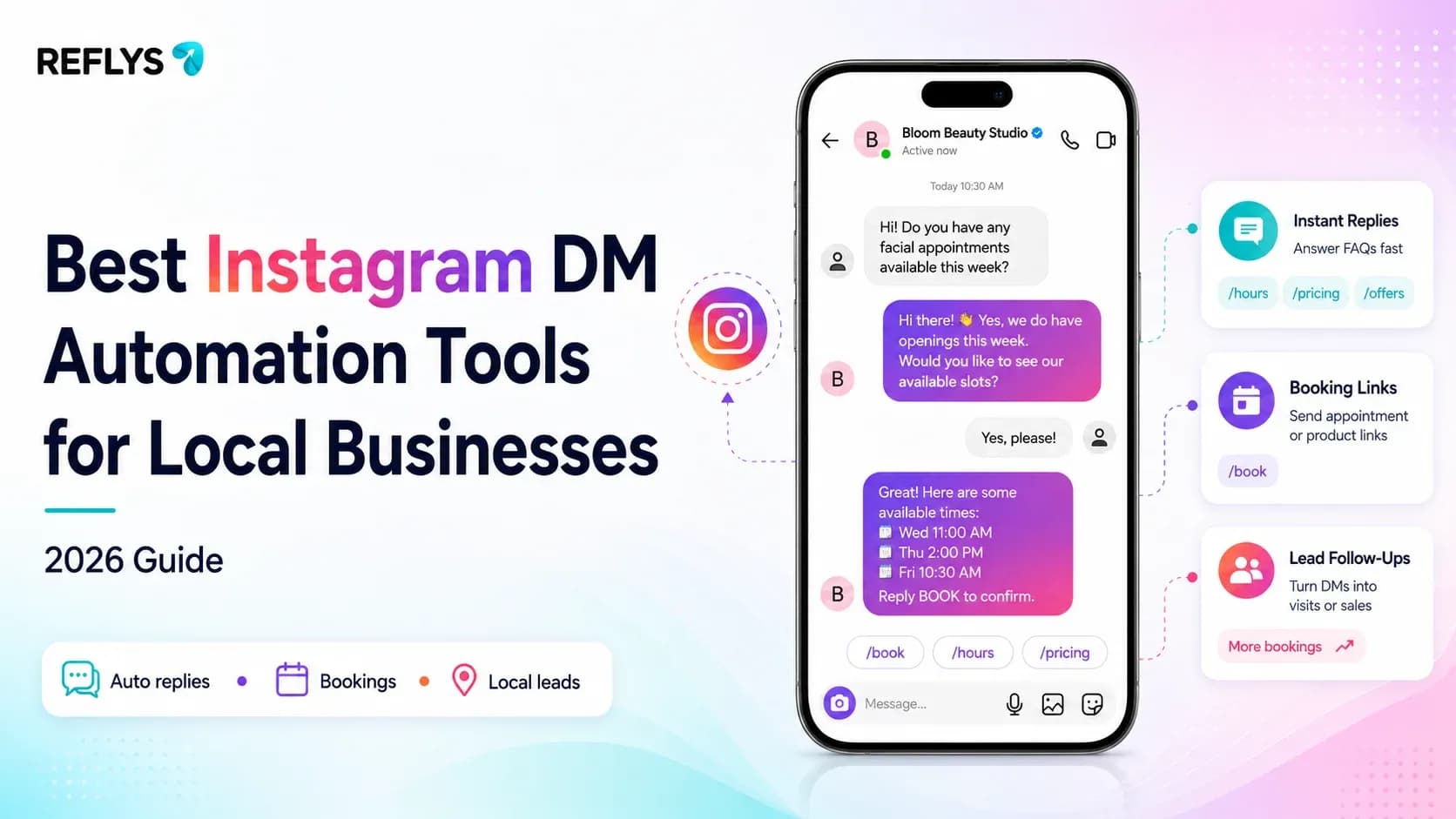
A customer messages your Instagram at 9:40 p.m. asking if you're open Saturday, whether you take walk-ins, or if that dress comes in a medium. You see it Monday morning. By then they've booked with someone who answered.
That's the gap Instagram DM automation closes — and for a salon, restaurant, or boutique running on one phone and no front-desk staff, it's the difference between a missed message and a booked customer.
Instagram DM automation is software that automatically replies to Instagram comments, direct messages, and story mentions based on rules you set — a keyword like "HOURS," a comment trigger on a post, or a follow-up sequence after someone messages you. It runs through Instagram's official messaging API, so replies go out whether you're asleep, mid-haircut, or slammed during a dinner rush.
This guide compares the tools built for that job — from creator-first apps to enterprise support platforms — and shows what actually fits a local business that needs something running today, not a six-week rollout.
What Instagram DM Automation Actually Does
At its core, Instagram DM automation watches for a trigger — a comment containing a keyword, a new follower, a story mention, or an incoming message — and sends a pre-written response, menu, or flow in return. The better platforms let that first reply branch: someone who comments "BOOK" gets a link to your scheduling page; someone who comments "MENU" gets your PDF.
For a local business, this covers three jobs a receptionist would otherwise handle: answering the same five questions on repeat (hours, location, pricing, availability), capturing a booking or order before the customer loses interest, and routing anything genuinely urgent to a real person. None of it requires you to be on your phone.
Related: Instagram Quick Replies for Business → — for teams that want saved-reply templates without a full automation build.
Is Instagram DM Automation Against Instagram's Rules?
Not when it's built on Instagram's official Messaging API. Meta allows businesses to automate replies to comments, DMs, and story mentions through approved partners — that's the entire category this article covers. What Meta does restrict: unsolicited outreach outside an existing conversation window, scraping, and mass-messaging tactics that mimic spam. This is where tool choice matters most for a local business with no legal or compliance team double-checking every flow: pick a platform built on the official API from day one, and you never have to think about it.
Top Instagram DM Automation Tools Compared
Here's how the main players break down — organized by what they're actually built to do, not just feature counts.
| Tool | Built For | Instagram + Other Channels | Free Plan | Entry Paid Price |
|---|---|---|---|---|
| Reflys | Local businesses, e-commerce, creators wanting one inbox across channels | Instagram, WhatsApp, Messenger, TikTok, SMS, Email | No — 7-day trial on paid plans | ~$12/mo |
| Manychat | Creators and e-commerce scaling comment-to-DM campaigns | Instagram, Messenger, WhatsApp, TikTok, Telegram | Yes — limited | $17/mo (Essential) |
| Meta Business Suite | Very small accounts needing basic instant replies | Instagram, Messenger only | Yes — free only | Not applicable |
| Chatfuel | Service businesses booking appointments via AI chatbot | Instagram, WhatsApp, Messenger, TikTok | Trial only | $69/mo |
| SleekFlow | Sales teams managing ongoing conversations across channels | Instagram, WhatsApp, Messenger + more | Trial only | ~$149/mo |
Pricing shown reflects publicly listed entry tiers at time of writing and is subject to change — verify current figures before publishing.
Book a 15-minute meeting for a full understanding of how to implement this for your business: Schedule a demo
Where each one actually wins:
Manychat has the deepest comment-to-DM feature set and a large integration library — it's a strong pick if you're a creator running frequent giveaways and don't mind starting above $17/month once you outgrow the free tier.
Meta Business Suite costs nothing and takes five minutes to set up, but it caps out at instant replies and saved FAQs — no branching flows, no keyword triggers, no e-commerce connection. Fine as a stopgap, not a system.
Chatfuel is built for appointment-heavy businesses (clinics, salons, real estate) with its AI-driven booking flows, but its pricing starts well above what a single-location business typically needs to spend.
SleekFlow is a genuinely strong omnichannel inbox for sales teams managing high conversation volume — overbuilt, and priced accordingly, for a business answering DMs about store hours and appointment slots.
Reflys sits closest to what most local businesses actually need: Instagram plus WhatsApp and Messenger in one inbox and — because it's built natively for e-commerce and appointment-style businesses — abandoned-cart and booking-reminder flows most comment-to-DM-only tools don't offer.
Can a Local Business Automate Instagram DMs Without a Developer?
Yes — every tool in the comparison above is no-code by design, built around a visual flow builder rather than scripting. The setup difference between them isn't technical skill required; it's how many steps stand between "sign up" and "first automation live." That's the gap the walkthrough below closes.
Comment-to-DM vs. Full DM Automation — What's the Difference?
Comment-to-DM automation triggers off a public comment (someone types "SHOP" under your post) and sends a private reply. Full DM automation covers everything after that — welcome messages for new followers who message you cold, keyword-triggered menus inside an ongoing conversation, and follow-up sequences after someone doesn't respond.
A local business typically needs both: the comment trigger to capture engagement from a post or reel, and the DM-side automation to actually get someone booked or ordering once they're in your inbox.
Set This Up in Reflys in Under 10 Minutes
Here's a comment-to-DM flow you can have live before your next post goes out — the kind a salon or restaurant would use to turn engagement into bookings.
- Connect your Instagram account. In Reflys, link your Instagram Business account through the official Meta connection — no separate app download.
- Create a new flow in the automation builder. Choose "Comment Trigger" as the flow type.
- Set your trigger keyword. Something specific to your post — "BOOK," "MENU," or "SLOTS" works better than a generic word people might type by accident.
- Write the DM reply. Keep it short: a one-line answer plus a link to your booking page or menu. You can add a button here instead of a plain link.
- Add a fallback message for anyone who messages you directly without commenting first, so cold DMs get the same instant response.
- Test it by commenting the keyword from a second Instagram account and confirming the DM lands correctly.
- Publish and pin a comment on the post telling people what to type — this alone lifts response rates even before the automation fires.
Two of these steps work regardless of what tool you use: writing a specific (not generic) trigger keyword, and pinning a comment that tells people what to type. Do just those two and you'll see more engagement converts, even manually.
Why Local Businesses Trust Reflys
Reflys is built entirely on official Meta and WhatsApp Business APIs — no scraping, no unofficial workarounds, no risk to your account standing. For a business that depends on its Instagram presence to bring in customers, that's not a minor detail; it's the difference between automation that's safe long-term and automation that could get an account restricted.
A Reflys restaurant client grew monthly online orders roughly 35% (1,200 → 1,620) with zero ad spend, and improved abandoned-cart recovery from 6% to 22% using automated WhatsApp follow-ups — the same category of flow covered in the tutorial above, adapted to Instagram. Read the case study →
First automation live in under 10 minutes. Ready to get started? Start your 7-day trial

