
Automate the messages that repeat every day and have a factual answer, such as product questions, order status, restock requests and cart reminders, and keep a person available for anything that involves judgment, money or a complaint. Done this way, an online store answers faster without sounding like a machine. This guide shows where to start and what to check first.
Which customer messages should an online store automate first?
Start with the messages that repeat daily and have a factual answer: product details, shipping and order status, restock requests and cart reminders.
Count your last 100 messages and group them by topic. The top three groups usually cover most of the volume and are the safest to automate. Leave refunds, complaints and anything emotional to a person from day one, and make it easy for customers to reach one.
Is Instagram or WhatsApp better for an online store?
Use Instagram for discovery questions that arrive on posts, ads and comments, and WhatsApp for order updates and cart follow-up with customers who have opted in.
Each channel has its own rules on opt-in, reply windows and message templates, so read them before you build. WhatsApp is less widely used in the US than in many other markets, so check where your own customers write before you choose a main channel.
When should an online store launch messaging automation?
Launch before your peak season, not during it. Build and test your flows in the weeks before Black Friday, Cyber Monday and gift-buying season.
Gift-heavy categories such as jewelry, electronics and beauty stay busy until mid-December, so finish testing early and keep a person on call for exceptions. A new flow that breaks on its busiest day costs more than the time it saves.
Which guide is right for your type of business?
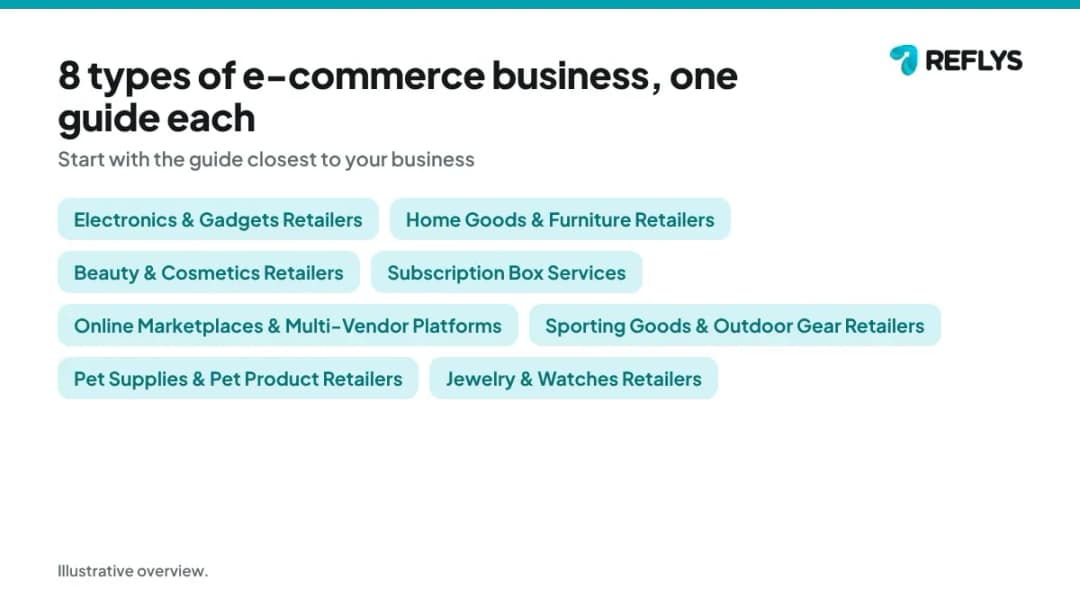
Pick the guide closest to what you sell or do. Each one answers a single question and links to a setup page for that business type.
- How to answer compatibility questions for an electronics store (Electronics & Gadgets Retailers)
- How to answer furniture dimension questions online (Home Goods & Furniture Retailers)
- How to help customers find their foundation shade online (Beauty & Cosmetics Retailers)
- How to handle skip a month requests for a subscription box (Subscription Box Services)
- How to handle customer questions on a multi-vendor marketplace (Online Marketplaces & Multi-Vendor Platforms)
- How to help customers choose the right size for sports gear online (Sporting Goods & Outdoor Gear Retailers)
- How to remind customers to reorder pet food (Pet Supplies & Pet Product Retailers)
- How to answer ring sizing and authenticity questions online (Jewelry & Watches Retailers)
What should online stores check before automating customer messages?
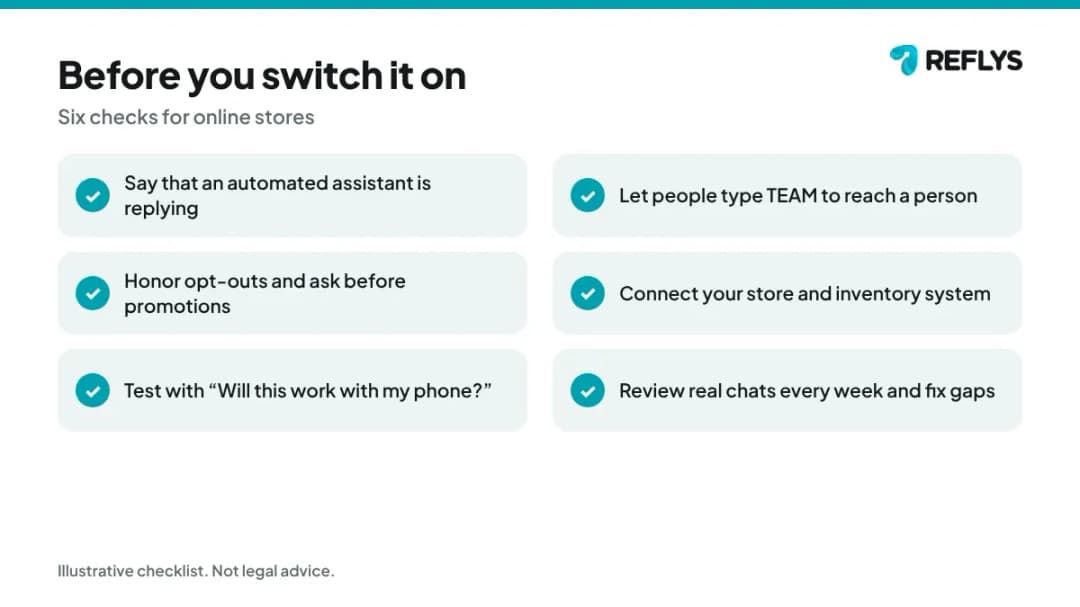
Check five things before you switch it on: say that an automated assistant is replying, give an easy way to reach a person, honor opt-outs, follow each platform's messaging rules and keep payment and sensitive details out of chat.
Keep payment details out of chat and send customers to your secure checkout. Primary sources worth reading before you build: Business Guide to the FTC's Mail, Internet, or Telephone Order Merchandise Rule (Federal Trade Commission), Instagram Messaging API overview (Meta for Developers), and WhatsApp Business Messaging Policy (WhatsApp). This guide is general information, not legal advice. Rules change, so confirm current requirements with your own advisor before launch.
How do you know the automation is working?
Track first-response time, the share of conversations resolved without a person and the reasons conversations were handed over. Review a sample of real chats every week.
Start with a baseline from your last month of messages, then change one flow at a time so you can see what helped. The most useful list is the questions the chat could not answer: each one is either a gap in your answers or a case that should stay with a person. For online stores, watch these topics first: the questions customers ask most.
How do you try this on your own account?
Start the 7-day trial at app.reflys.com: a card is required and you are not charged until day 8. You can build and test your first flow on your own account before any customer sees it.
Pro starts at $12 a month and suits one person answering messages; Business adds team seats and assignment. If you would rather see it first, book a demo and we will walk through your own questions.
Related guides
Sources
- Business Guide to the FTC's Mail, Internet, or Telephone Order Merchandise Rule — Federal Trade Commission
- Instagram Messaging API overview — Meta for Developers
- WhatsApp Business Messaging Policy — WhatsApp
About this guide: written by the Reflys Team from Reflys product documentation and the public sources above. It describes general practice and does not report customer results. It is not legal, medical, tax or financial advice.