
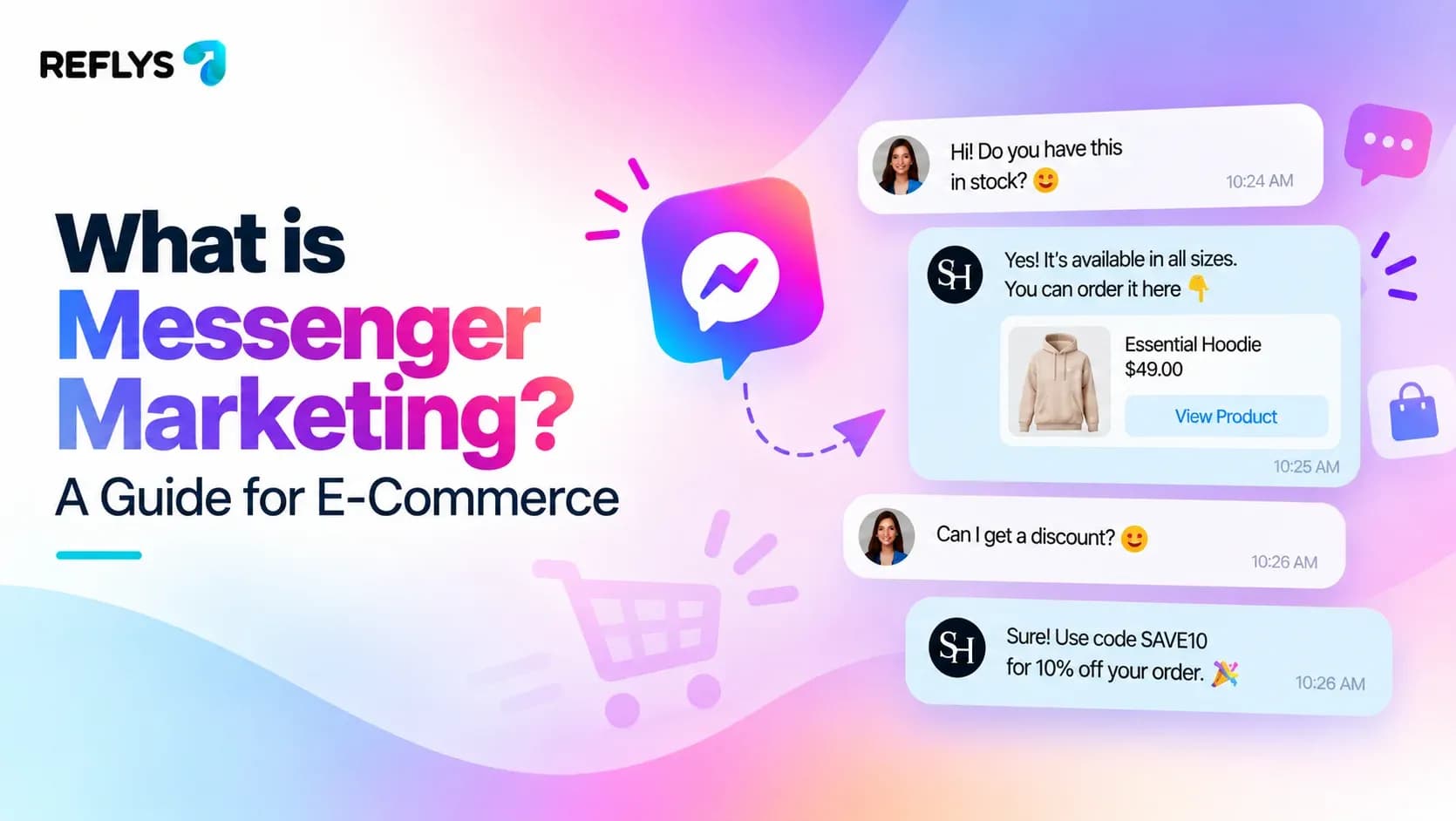
You spend heavily on Facebook Ads to drive traffic to your Shopify or WooCommerce store. A shopper clicks, browses, and adds an item to their cart. Then they hesitate. They drop a comment on your ad or send a DM asking if the sizing runs small.
If your team takes three hours to reply, that sale is gone. E-commerce moves too fast for slow email follow-ups or manual inbox management.
Facebook Messenger marketing is the process of using automated and live chat on Meta’s Messenger platform to acquire leads, recover abandoned carts, and answer customer questions at scale. It replaces slow email follow-ups with instant, interactive messaging directly where your customers already spend their time.

When you set up basic automations, you stop losing revenue to unread messages and start turning your Facebook presence into a direct sales channel.
The Rules of Facebook Messenger Marketing
Before you build a single campaign, you need to understand Meta's rules. Platform policies dictate how and when you can message users.
The most critical rule is the 24-hour messaging window. According to Meta's official developer documentation, when a person interacts with your business page—by sending a message, clicking a Click-to-Messenger ad, or triggering an automation—you have exactly 24 hours to send them promotional or non-promotional messages without restrictions.
After 24 hours, you can only send messages using specific, pre-approved Message Tags (like post-purchase updates) or by running sponsored messages.
This window means speed is your biggest asset. You must capture interest and offer value immediately.
Reflys handles this compliance automatically. You can build a flow in our automation builder and know you are operating safely within Meta's rules. Still requiring anything, book a 15 min free demo to see how Reflys works.
How to Build a Facebook Messenger Marketing Strategy
A profitable strategy focuses on capturing intent when it is highest. For e-commerce stores, this breaks down into three core phases: acquisition, conversion, and retention.
1. Acquisition: Turn Comments into Conversations
When a potential buyer comments on your Facebook post, replying manually is inefficient. A comment-to-DM automation allows you to instantly send a private Messenger message to anyone who comments a specific keyword on your post. If you post a new product drop and tell followers to comment "SHOP," the automation instantly sends them the product link in Messenger, opening the 24-hour window.
2. Conversion: Recovering Abandoned Carts
Cart abandonment hovers around 70%, according toBaymard Institute. Email recovery sequences work, but Messenger open rates frequently outperform them because the notification appears directly on the user's phone lock screen. Syncing your Shopify store to your Messenger channel allows you to send automated reminders with a direct checkout link an hour after a shopper leaves your site.
3. Retention: Post-Purchase Updates
Order confirmation emails easily get lost in spam folders. Sending shipping updates and delivery confirmations through Messenger builds trust. It also keeps the conversation thread active, making it easier for the customer to ask support questions or buy again later.
3 High-ROI Messenger Marketing Campaigns
To get started, focus on these three reliable campaign formats.
| Campaign Type | The Trigger | Expected Outcome |
|---|---|---|
| Comment-to-DM | User comments a keyword on a Facebook post | High-volume lead capture and instant product link distribution |
| Click-to-Messenger Ads | User clicks a Facebook Ad button | Starts a conversation instead of sending traffic to a cold landing page |
| Abandoned Cart Recovery | User leaves site without purchasing | Direct follow-up on mobile, resulting in recovered revenue |
Executing these campaigns requires the right tools. You need a platform that syncs with your e-commerce backend and keeps your account secure.
The Safety Advantage: Why Official APIs Matter
Many automation tools use screen scraping or unofficial workarounds to send messages. Meta actively monitors for these tactics, and using them puts your Facebook Business page at risk of a permanent ban.
Reflys is built entirely on official Meta and WhatsApp Business APIs. There are no gray-market tactics and zero account-ban risk. When you build a marketing campaign with an official partner, you protect your revenue source.
We see the results of this reliable infrastructure daily. For example, a Reflys restaurant client grew monthly online orders by approximately 35% (1,200 to 1,620) with zero ad spend simply by automating replies. Their abandoned-cart recovery improved from 6% to 22% using automated follow-ups.
The fastest way to judge any Messenger marketing tool is to build one flow. Start your 7-day trial.
Set Up a Comment-to-Messenger Flow in Under 10 Minutes
You do not need to be a developer to build Messenger marketing automation. You can set up a keyword-triggered reply right now.
- Connect your Facebook Page. Log into Reflys and link your Meta account. This takes two clicks and uses the official API integration. See the setup guide here.
- Create a new flow. Open the Reflys flow builder and select "Facebook Messenger" as your channel.
- Set your keyword trigger. Choose a specific word you want users to comment. Keep it simple—words like "LINK," "SHOP," or "PROMO" work best.
- Draft your auto-reply. Write a short, friendly message delivering what you promised. Include a clear call-to-action button linking to your product page.
- Pin instructions to your post. This step happens outside the software. On your Facebook page, publish your post and immediately pin a comment explaining exactly what users need to do: "Comment 'SHOP' below and we will DM you the direct link!"
- Test the flow. Always test your automation. Log into a personal Facebook account, navigate to your business page, and comment your keyword. You should receive the DM instantly.
Once verified, your automation runs in the background. It captures leads and distributes links while you focus on fulfilling orders.
Unified Inbox: Managing the Replies
Automation handles the repetitive tasks, but some customers will reply to your bot with complex questions. This is where a unified team inbox becomes necessary.
If you manage Facebook Messenger, Instagram DMs, and WhatsApp, jumping between apps causes missed messages. Reflys routes every platform into a single inbox. You can apply tags, route VIP customers to specific agents, and see exactly which Shopify order a customer is asking about right next to the chat window.
This setup allows your team to step in perfectly when the automation finishes its job.
Getting Started
Facebook Messenger marketing turns passive social media scrolling into active e-commerce conversations. By respecting the 24-hour rule and automating your highest-volume interactions, you capture revenue that otherwise slips away.
Paid plans, which include additional channels like WhatsApp and SMS, start from about $12/month.

