
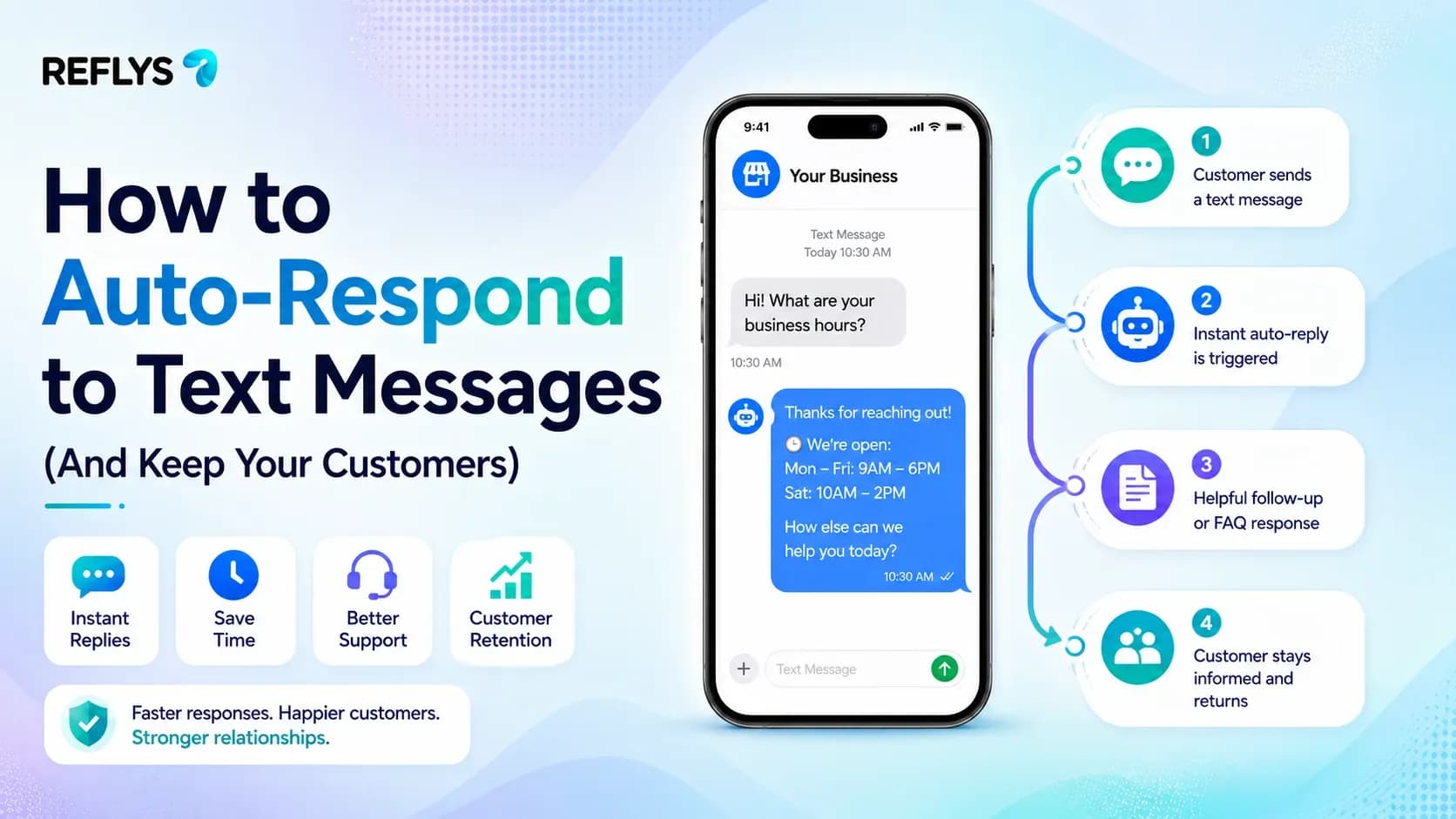
When you miss a text during a rush, you lose money. It is really that simple. If a customer messages your restaurant or clinic for a booking and nobody answers for twenty minutes, they just text the place down the street. Here is how setting up auto-replies works: you just connect your business phone number or WhatsApp to an automation app.
When a customer texts you, SMS automation checks what they said or what time it is, and instantly shoots back a message you’ve already written. You keep the lead warm and hand out immediate answers until your staff has a second to look at the screen.
The Math Behind Automated Text Replies
Speed wins. The Baymard Institute tracks how response times hit retail conversion rates, and the data is pretty clear: if you answer fast, people buy.
Setting up automatic text messages gives your team so much of their time back. One restaurant using Reflys actually grew their monthly online orders by about 35% (jumping from 1,200 to 1,620) without spending a single cent on ads. All they did was put their WhatsApp follow-ups on autopilot. You do not need a big tech team to do this. You just need a basic keyword trigger.
Build your first flow and test it in your own inbox today at Reflys
What Makes a Compliant SMS Autoresponder for Business?
You cannot just text anyone whatever you want. Meta and phone carriers are incredibly strict about spam. If you send uninvited mass messages to potential customers, your phone will get blacklisted.
To make a reliable auto-reply via text for small business accounts, you should confirm the receipt, clarify the wait time until the next message, and share a self-help link. If a customer sends a text after hours, your automation should send an offer that provides a solution and stays in compliance, hand in hand with a special tone for the message window (as in Meta's 24-hour message rule).
| Tactic | Execution | Expected Outcome |
|---|---|---|
| Out-of-Hours Auto Reply | Text back your open hours and when a human will reply. | Stops leads from texting a competitor while you are closed. |
| Self-Serve Menu/Link | Add a link to your booking page or Shopify store. | Converts serious shoppers without your staff involvement. |
| Expectation Setting | "We typically reply in 1 hour." | Cuts down on double-texting from impatient buyers. |
Can You Trigger Text Message Automation by Keyword?
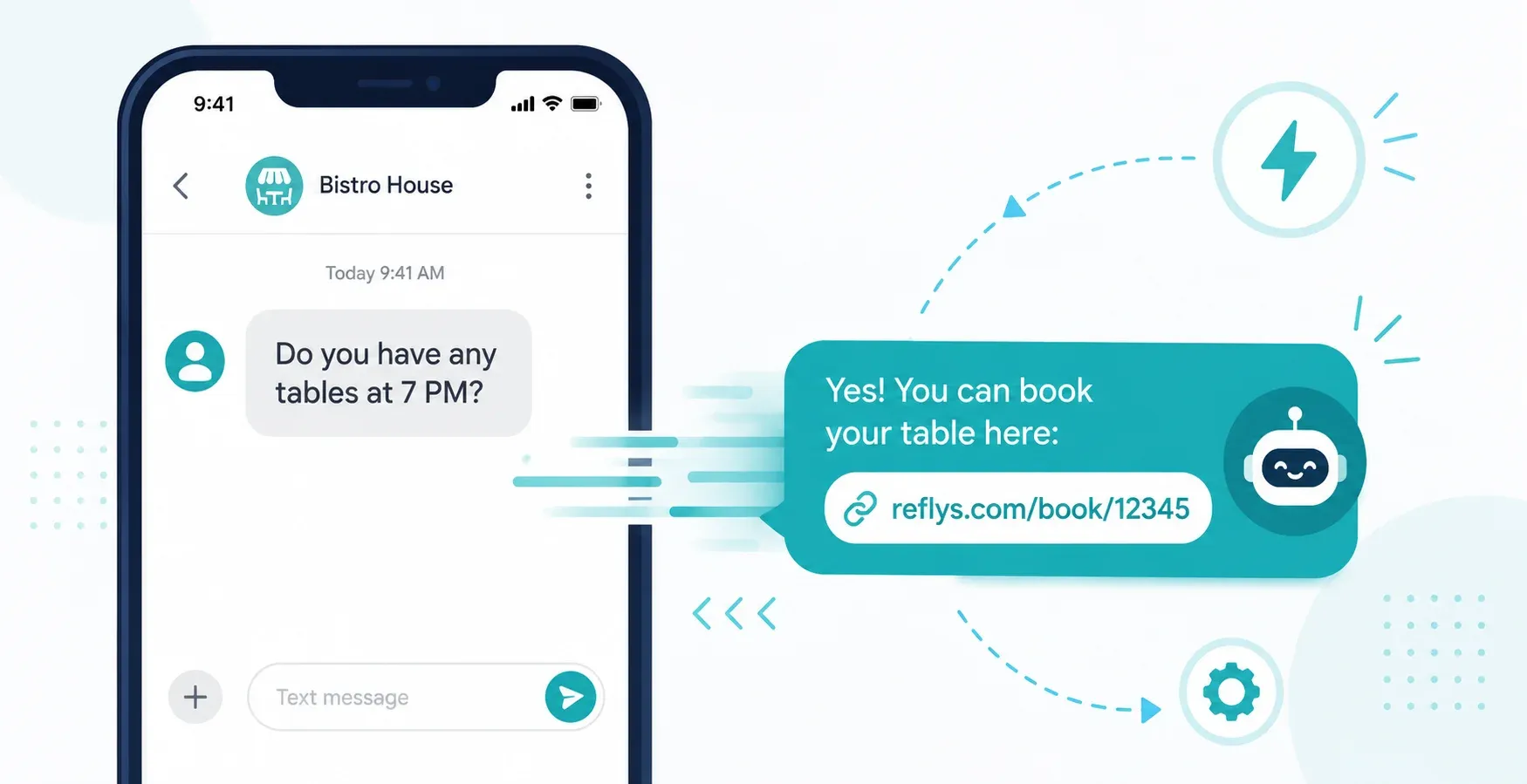
Yes. Keywords play a major role in text message automation. Instead of sending the same generic greeting to everybody, you route people based on what they actually type.
If someone texts "MENU" to your WhatsApp, your flow hits them back with a link to your digital menu. If they text "HOURS," they get your schedule. If they text "SUPPORT," the system flags the chat and puts it in front of a staff member.
Building a keyword trigger is one of the three automation flowsStart your 7-day trial.
Managing SMS and WhatsApp in One Shared Inbox
Do not pass a single physical phone around your front desk. It gets messy, batteries die, and messages get dropped.
A unified team inbox fixes this. It lets you route chats to specific people, tag conversations by priority, and watch both SMS and WhatsApp from one browser window.
| Feature | Siloed SMS Tool | Omnichannel Inbox (Reflys) |
|---|---|---|
| Channel Support | SMS only | SMS, WhatsApp, Instagram, Messenger |
| Team Access | Limited seats | Multi-agent routing, collision detection |
| E-commerce Sync | Manual CSV uploads | Native Shopify/WooCommerce tracking |
Set This Up in Reflys in Under 10 Minutes
The easiest way to get your head around text automation is just to build one. You can launch a WhatsApp auto-reply right now.
- Define your entry point. Put a click-to-WhatsApp link in your Instagram bio or website footer, telling people to text the word "BOOK."
- Connect your channel.Link your WhatsApp Business number to Reflys.
- Open the flow builder. Set your trigger condition to "Keyword is BOOK."
- Draft the auto-reply. Write a short message with a direct link to your scheduling calendar.
- Test the flow. Hit publish and text the keyword from your personal phone to make sure it fires.
You can build this exact flow during your 7-day trial at [https://app.reflys.com/register].
Built on Official APIs for Complete Account Safety
Reflys runs entirely on the official Meta and WhatsApp Business APIs. We do not use scraping scripts or risky workarounds. That means you carry zero risk of getting your account banned. Your communications stay completely safe and online 24/7.
Stop Missing Messages
Every missed text is a lost sale. Automating your first reply keeps leads from walking away and buys your team the time they need to jump in. Reflys puts your SMS and WhatsApp into a single inbox and handles the repetitive questions for you.
Head to [https://app.reflys.com/register] to connect your number, or book a 15-minute demo to see exactly how it works first.

