
You just launched a major product drop. Traffic spikes, carts are loading, and then the questions start. Customers are hitting your WhatsApp at 2 a.m. asking about shipping times, discount codes, and stock levels.
If you are running your store's support through the standard WhatsApp Business app on a single phone, you are losing money. Your team cannot answer hundreds of messages fast enough. People often leave their carts behind. The excitement of a pre-sale dies down.
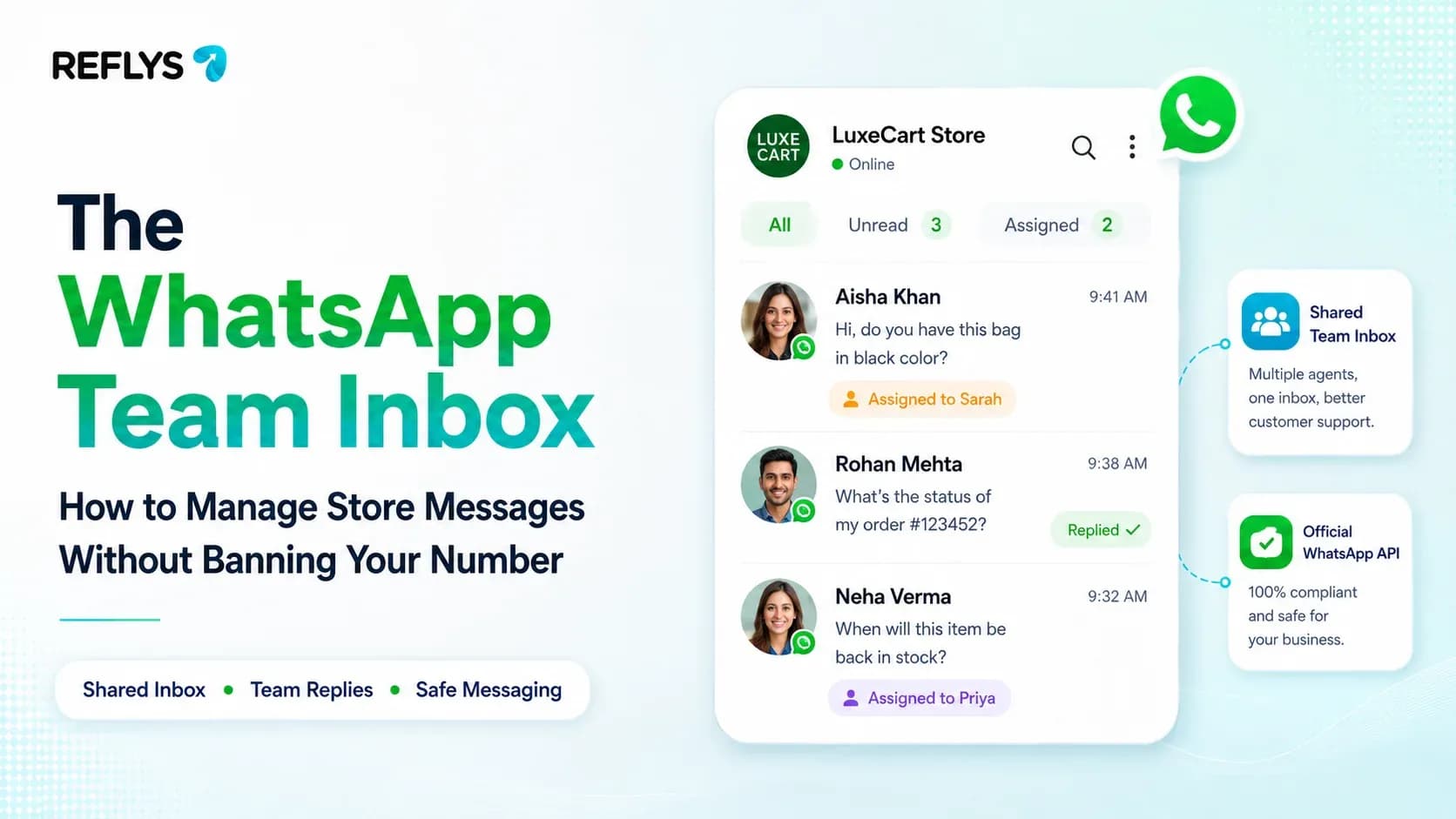
A WhatsApp team inbox is like a hub where lots of people can work together. It is connected to systems and lets many agents look at messages, send them to the right person and answer them all from the same WhatsApp Business number at the same time. This gets rid of the problem of one person being able to use the phone. Now we have a space where people can work together. It replaces manual work to automatic, so people do not respond to the same message, and it can also connect with e-commerce stores directly.
Here is exactly how to move your store off a shared mobile device and into a unified inbox built for scale.
The Problem with the Standard WhatsApp Business App
The free WhatsApp Business app was built for local shops, not scaling e-commerce brands. It artificially limits your growth. You can link up to four companion devices, but the routing is chaotic.
There is no way to assign a specific chat to your returns specialist. There is no internal tagging. Worst of all, two team members can accidentally reply to the same angry customer with entirely different answers.
When shoppers abandon a cart, you have a narrow window to recover that revenue. According to the Baymard Institute, nearly 70% of online shopping carts are abandoned. You need a system that triggers an automated recovery message and routes any replies directly to an available human agent. You cannot do that on a cell phone.
How a True WhatsApp Shared Inbox Works
Upgrading to a shared inbox means connecting your number to the official WhatsApp Business API. This completely changes how your team operates.
Multi-Agent Access and Routing
Instead of passing a phone around, your entire team logs into a cloud-based dashboard from their own browsers. You can route incoming WhatsApp messages based on keywords. If a customer texts "return," the inbox instantly assigns that chat to your fulfillment agent.
Collision Detection
A professional shared inbox stops duplicate work. If Agent A opens a chat to resolve a failed payment, the system shows Agent B that the conversation is currently being handled. This protects your brand's credibility.
E-Commerce Integration
When a customer messages you, your agents should not have to switch tabs to check Shopify. A unified inbox pulls order history, tracking numbers, and lifetime value directly into the chat sidebar.
Reflys connects your Shopify or WooCommerce store directly to your WhatsApp inbox.
Set This Up in Reflys in Under 10 Minutes
You do not need a developer to migrate to a multi-agent setup. You can wire this exact system in the Reflys platform right now.
- Verify your Meta Business account: Ensure you have access to your Facebook Business Manager. This is required for the official API.
- Connect your number to Reflys:Start your 7-day trial. Navigate to the WhatsApp channel settings and follow the embedded Meta setup flow.
- Invite your team: Go to your workspace settings and add team members via email. Assign them agent roles so they can access the unified inbox.
- Build a routing rule: Open the automation builder. Set a trigger for the keyword "Order Status" and wire it to auto-assign the conversation to your support tag.
- Pin a click-to-WhatsApp link: Add your new wa.me link to your Instagram bio and store footer.
Protected by the Official Meta API
If you use unofficial tools or screen-scraping software to share your WhatsApp inbox, Meta will eventually detect it and permanently ban your business number.
Reflys is built entirely on the official Meta and WhatsApp Business APIs. There is zero gray-market ban risk. You get stable, approved infrastructure.
This stability drives real revenue. A Reflys restaurant client recently moved to our unified inbox and automated their follow-ups. They grew monthly online orders by ~35% with zero ad spend, and their abandoned-cart recovery jumped from 6% to 22%.
Scale Your Conversations Today
Your customers expect instant answers. A shared inbox ensures they get them, no matter how high your message volume spikes.
Stop passing a single phone around the office. Centralize your chats, automate your most common replies, and watch your conversion rate climb.

