
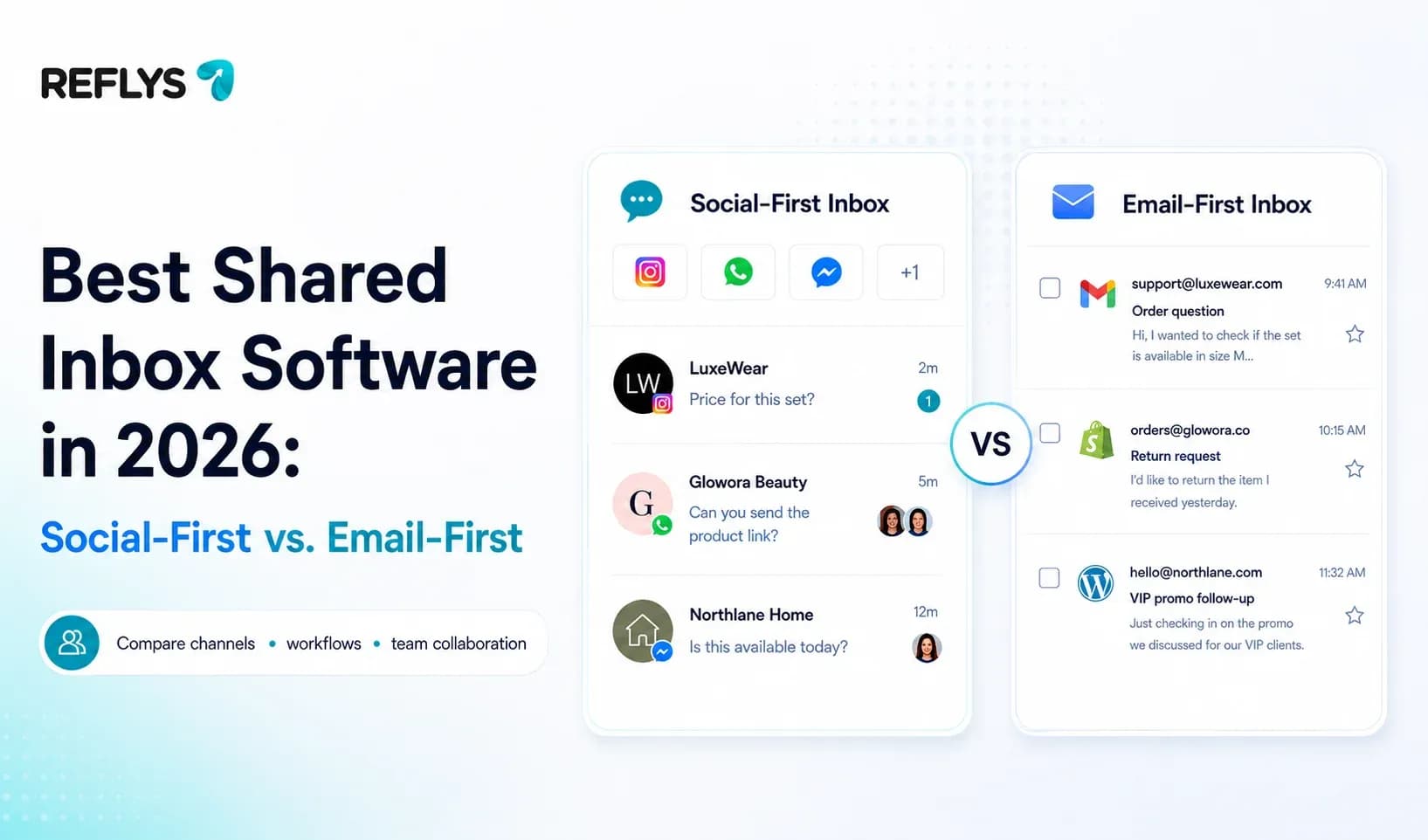
Your team has a WhatsApp number, an Instagram account, a Facebook page, and a TikTok profile. Messages land in four apps, on three phones, and nobody can say who replied last. Then a customer asks about a $400 order at 9 p.m. and gets two different answers from two different people.
That's the problem shared inbox software solves. But most roundups will point you at tools built for a different job, sorting the support@ mailbox, and those tools do very little for a business whose customers live in DMs.
This guide splits the category in two, compares six tools honestly, and shows you how to test the idea in about ten minutes without paying anything.
Shared inbox software is a tool that pulls messages from several channels into one queue that multiple people can work from. Instead of forwarding threads or passing a phone around, your team sees every conversation, who is handling it, and what has already been said.
Start your 7-day trial. and connect the channel that gets the most messages.
Two kinds of shared inbox tool — and why the difference costs you
Almost every "best shared inbox software" list mixes two product categories that solve different problems. Picking the wrong one is the most expensive mistake in this decision.
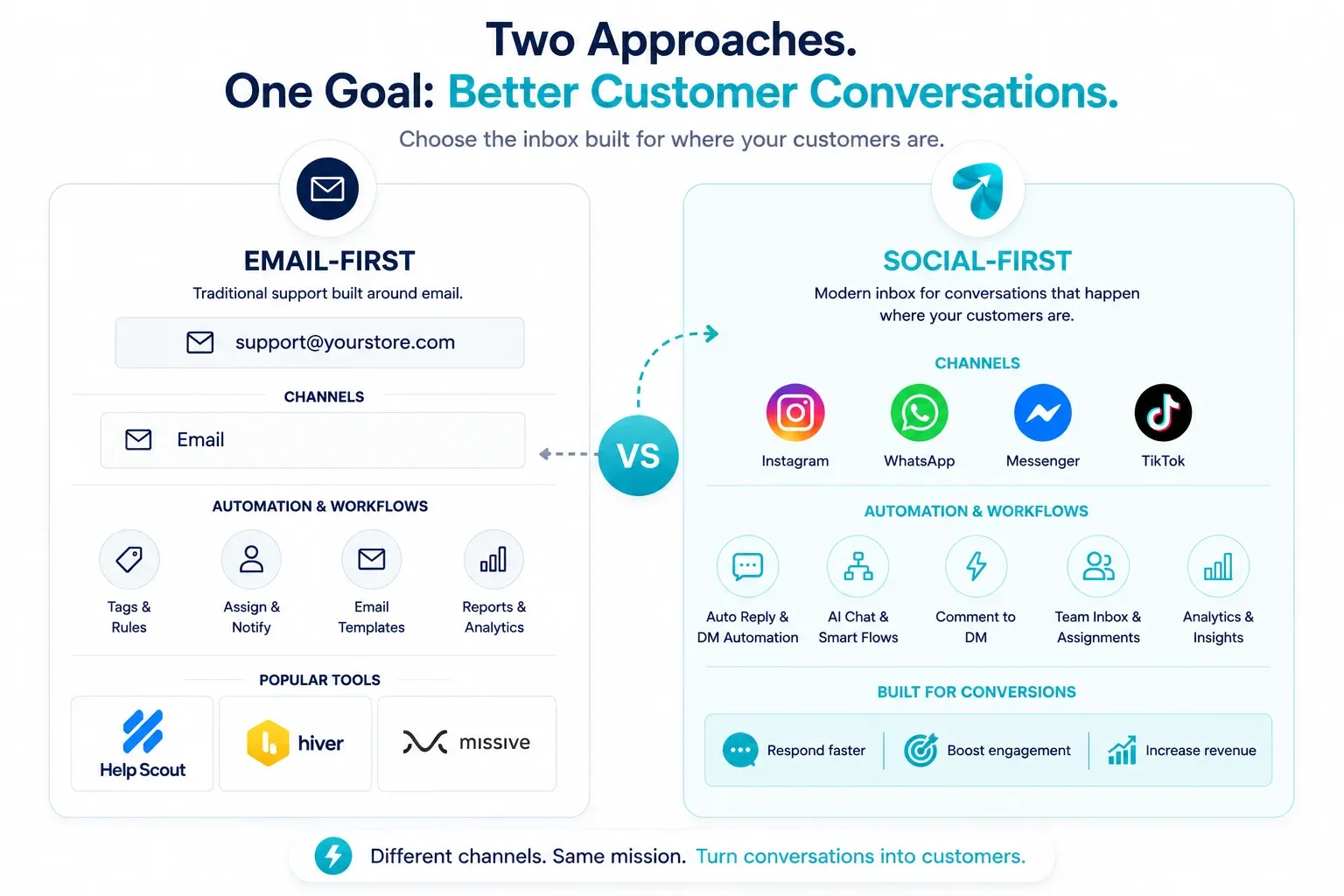
Email-first tools were built around the support@ or info@ address. They thread email, assign it, and let agents leave notes. Social channels are usually a bolt-on, and often a paid one.
Social-first tools were built around DMs, comments, and WhatsApp. They handle the messaging rules those platforms enforce, and they automate the repetitive first reply instead of just queueing it for a human.
| Features | Email-first (Help Scout, Hiver, Missive) | Social-first (Reflys, ManyChat) |
|---|---|---|
| Built around | support@ email threads | Instagram, WhatsApp, Messenger, TikTok |
| Social channels | Limited, sometimes on higher tiers | Native, all four |
| Messaging-window rules | Not applicable | Handled by the platform |
| Automation | Canned replies, routing rules | Keyword triggers, comment-to-DM, cart recovery |
| Best when | Most customer email arrives by email | Most customer messages arrive as DMs |
The test is boring and reliable: open every channel you own and count where last week's messages actually came from. If eight in ten arrived as DMs and comments, an email-shaped tool will spend its life half-empty.
What should you look for in a team inbox tool?
Six things decide whether a collaborative inbox software actually holds up once volume arrives.
- Where your messages arrive. Covered above, and it outranks every other criterion.
- Collision handling. Two agents opening the same conversation is the failure that customers notice. Look for assignment, visible ownership, or a lock.
- How seats are priced. Some tools charge per user, some bundle a fixed number, some sell agent seats as a separate add-on. This is where quoted prices and real invoices part company.
- API standing. Any tool touching Instagram or WhatsApp should be built on the official Meta APIs. Tools that automate through unofficial workarounds put your business account at risk, and the account is not something you can re-buy.
- Automation depth. A shared inbox that only queues messages still needs a human for every "what's the price?" A tool that answers those automatically leaves your team the conversations worth their time.
- Store context. If you sell online, agents should see the order without opening a second tab.
Counting where your messages arrive takes ten minutes and costs nothing — do that before you shortlist anything.
Best shared inbox software compared
Prices below are per month. Reflys figures were checked on its pricing page on 13 August 2026; the email-first figures come from Tidio's July 2026 roundup and should be re-checked before you buy.
| Tool | Built for | Social channels | Free plan | Starting price | Team seats |
|---|---|---|---|---|---|
| Reflys | Social DMs + e-commerce | IG, WhatsApp, Messenger, TikTok | No — 7-day trial on paid plans | $12 (Pro) | 1 on Pro, 5 on Business |
| ManyChat | Social DMs | IG, WhatsApp, Messenger, TikTok | Yes, limited | $14 | Agent seats sold as an add-on |
| Tidio | Website live chat + help desk | Some, via integrations | Yes | ~$24.17 | Per seat |
| Help Scout | support@ email | Messenger on higher tiers | Trial only | ~$25 | Per user |
| Hiver | Gmail-based shared mailbox | Limited | No | ~$19 | Per user |
| Missive | Email + team chat | Some | Yes | ~$14/user | Per user |
Reflys
Built for businesses whose customers message them on social. Comment-to-DM triggers, story-mention replies, and abandoned-cart follow-ups run alongside the inbox rather than in a separate tool, and Shopify, WooCommerce, and BigCommerce connect natively.
Where it's weaker:It isn't a replacement for a support@ mailbox, and contacts cap at 500 on both paid tiers.
Judging any of these is guesswork until you build one flow in one. Reflys takes about ten minutes to set up —start your 7-day trial
ManyChat
The best-known name in social automation, with a large template library and a long head start. Worth a look if templates matter more to you than price.
Where it's weaker: pricing restructured in March 2026 to a contact-based model, and several third-party breakdowns note that live-agent inbox seats and AI are billed as add-ons on top of the plan.
Tidio
Strong website live chat and a genuinely good help desk. If a chat widget on your site is your main channel, Tidio is a serious option and its shared inbox is well-built.
Where it's weaker: social channels are secondary, and the price steps up quickly past the entry tier.
Help Scout
Clean, fast, and pleasant to use, the tool support teams tend to like once they're in it. Shared mailbox software done properly.
Where it's weaker: analytics are thin at the lower tiers, and Messenger only appears on premium plans. Nothing here for Instagram or TikTok.
Hiver
Runs inside Gmail, so there's almost no training curve for a team already living in Google Workspace. For a shared email inbox specifically, that's a real advantage.
Where it's weaker: no free plan, and users report sync and notification issues. Social coverage is limited.
Missive
Email plus team chat in one window, with a familiar inbox feel. Small teams that run on email tend to stick with it.
Where it's weaker: reporting is locked to the top tiers, and it's priced per user, which adds up.
Which one fits you?
- Most of your messages are DMs and comments → Reflys or ManyChat. Compare on price, seat model, and whether you need TikTok.
- Your site chat widget is the main channel → Tidio.
- Customers email support@ and always have → Help Scout, or Hiver if you're on Gmail.
- A small team that lives in email → Missive.
- You sell on Shopify or WooCommerce and answer DMs all day → Reflys, mainly for the cart-recovery and order-context piece.
The comparison table is the theory.
Set this up in Reflys in under 10 minutes
One flow, start to finish: an Instagram comment trigger that sends product details to the DM and drops the conversation into your shared inbox.
- Sign up and connect one channel. Go toapp.reflys.com/register and connect the Instagram account that gets the most comments.
- Create a flow. Open the automation builder and start a new flow.
- Set the comment trigger. Choose your post and set a keyword, something short people will actually type, like PRICE or LINK.
- Write the DM. Keep it to two lines and one link. Long automated DMs get ignored.
- Add a handoff. Route anything the flow can't answer to your inbox with a tag, so an agent picks it up with the full thread visible.
- Test it from a second account. Comment your keyword yourself and watch the DM arrive. Fix the wording before it goes near a real customer.
Two things worth doing whatever tool you pick: pin a comment on the post telling people exactly which word to drop, and put your click-to-WhatsApp link in your bio so people who won't comment still have a way in. Both cost nothing and both lift the number of conversations that start at all.
Schedule a free meeting now to see how it works.
Why account safety is the part to check first
Reflys is built entirely on the official Meta, WhatsApp Business, and TikTok APIs. No scraping, no unofficial workarounds, no ban risk, which matters more than any feature, because a suspended business account takes your audience with it.
That also means Reflys works inside the platforms' rules rather than around them. Meta allows businesses to reply freely for 24 hours after a customer's last message; outside that window, WhatsApp messages need an approved template.
Billing runs on Stripe. You can cancel any time from the billing portal.
The short version
There isn't one best shared inbox software — there's the one built for where your messages actually arrive. If that's a support@ mailbox, Help Scout and Hiver are good tools and this article won't pretend otherwise. If it's Instagram comments, WhatsApp threads, and TikTok DMs, an email-shaped inbox will always be working against the grain.
Count last week's messages by channel. Then

