Add Custom Fields and Tags in Reflys
Custom attributes allow you to save information about your contacts, such as user emails, phone numbers, appointments, behavior, or anything else you wish. Later, you can segment your audience based on this data.
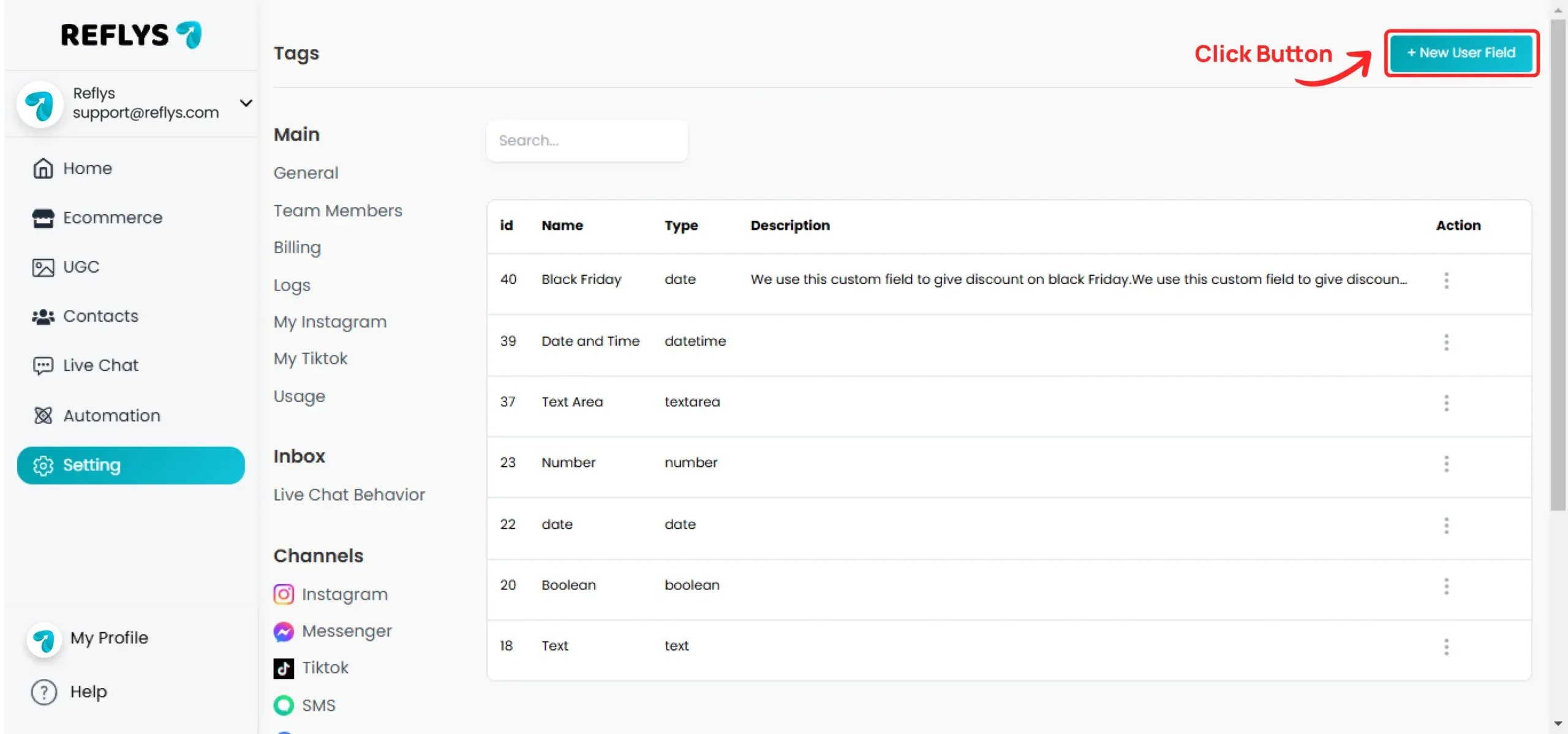
Click on New User Field Button
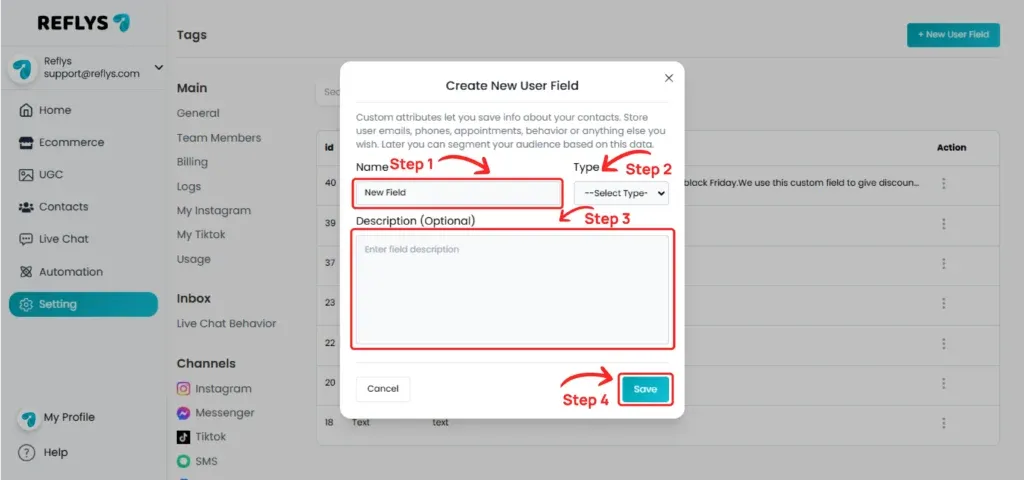
Enter the field name and select the field type
Available field type options are:
- Text
- Number
- Text Area
- Date
- Date & Time
- True/False
Add a description, then click the Save button
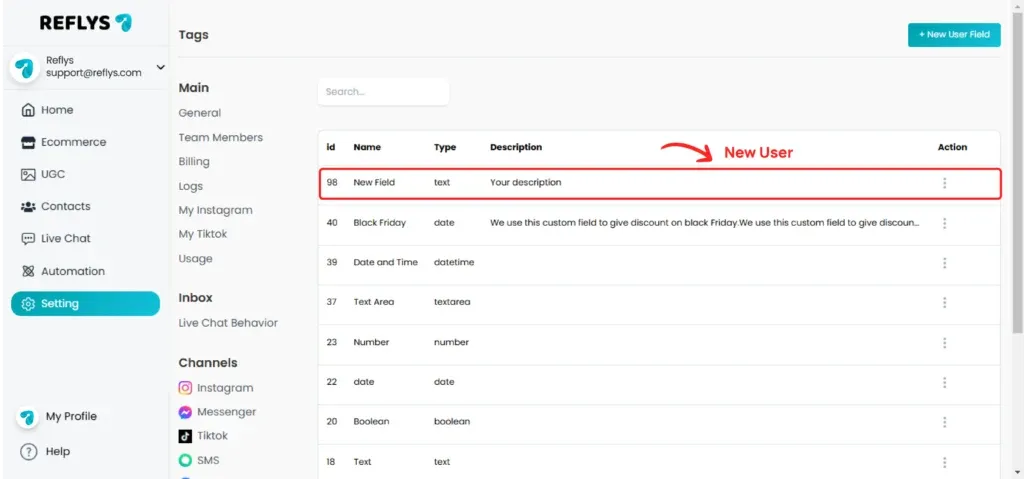
Your custom field has been created. Newly created fields should appear at the top
How to Add Tags
A tag is simply a label used to describe an identifying characteristic of a contact, allowing you to sort and organize your audience. Tags help you segment your contacts.
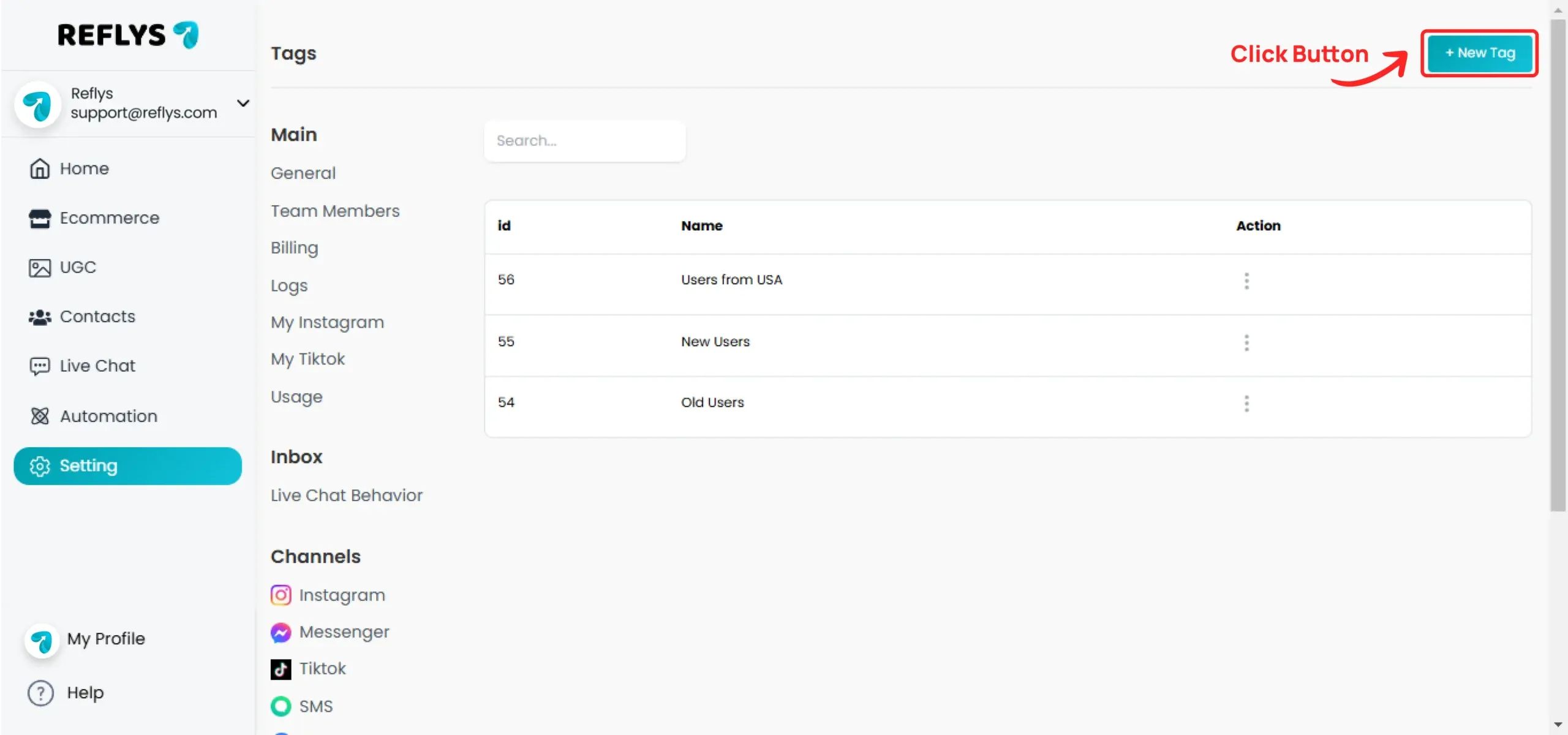
Click on New Tag Button
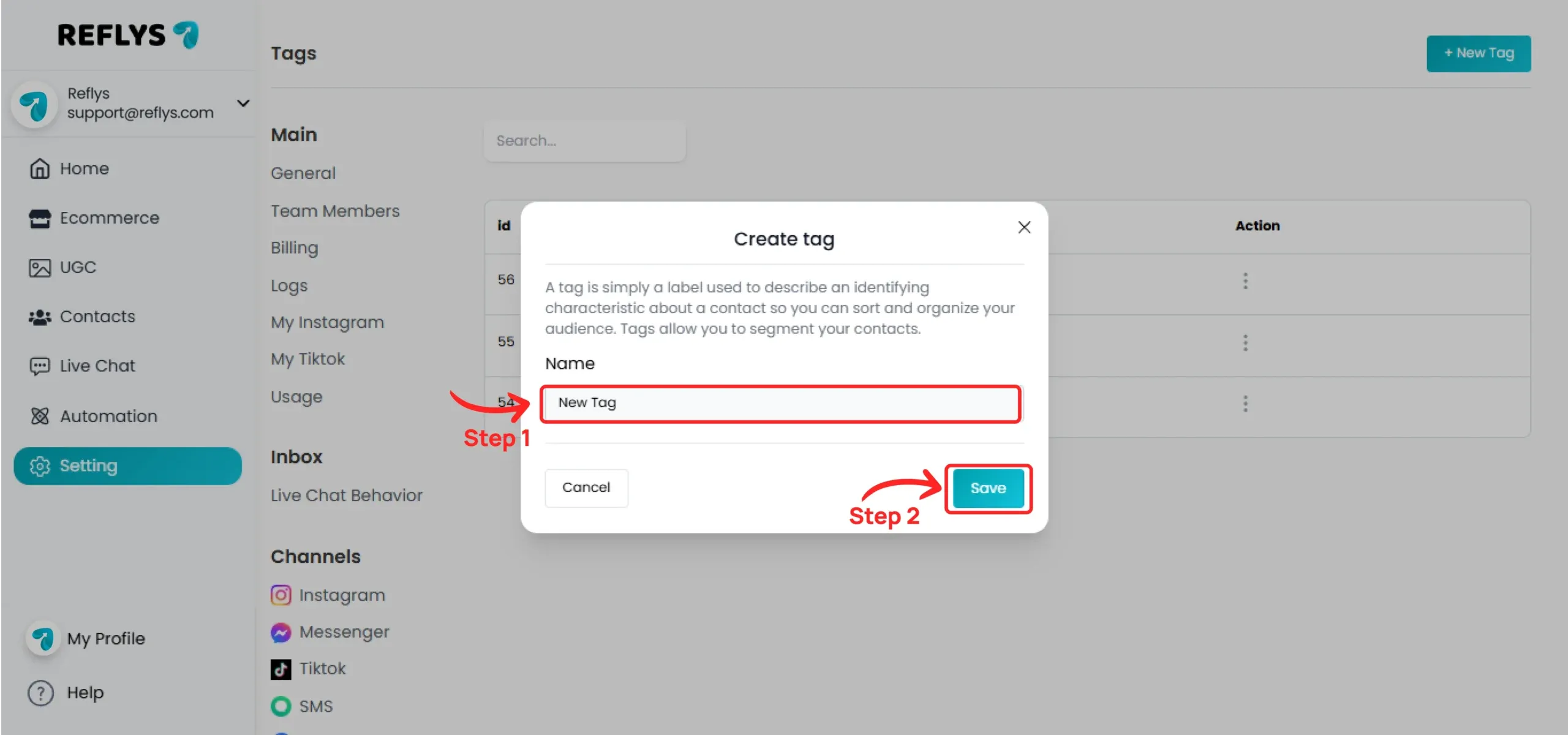
Enter the tag name, then click the Save button
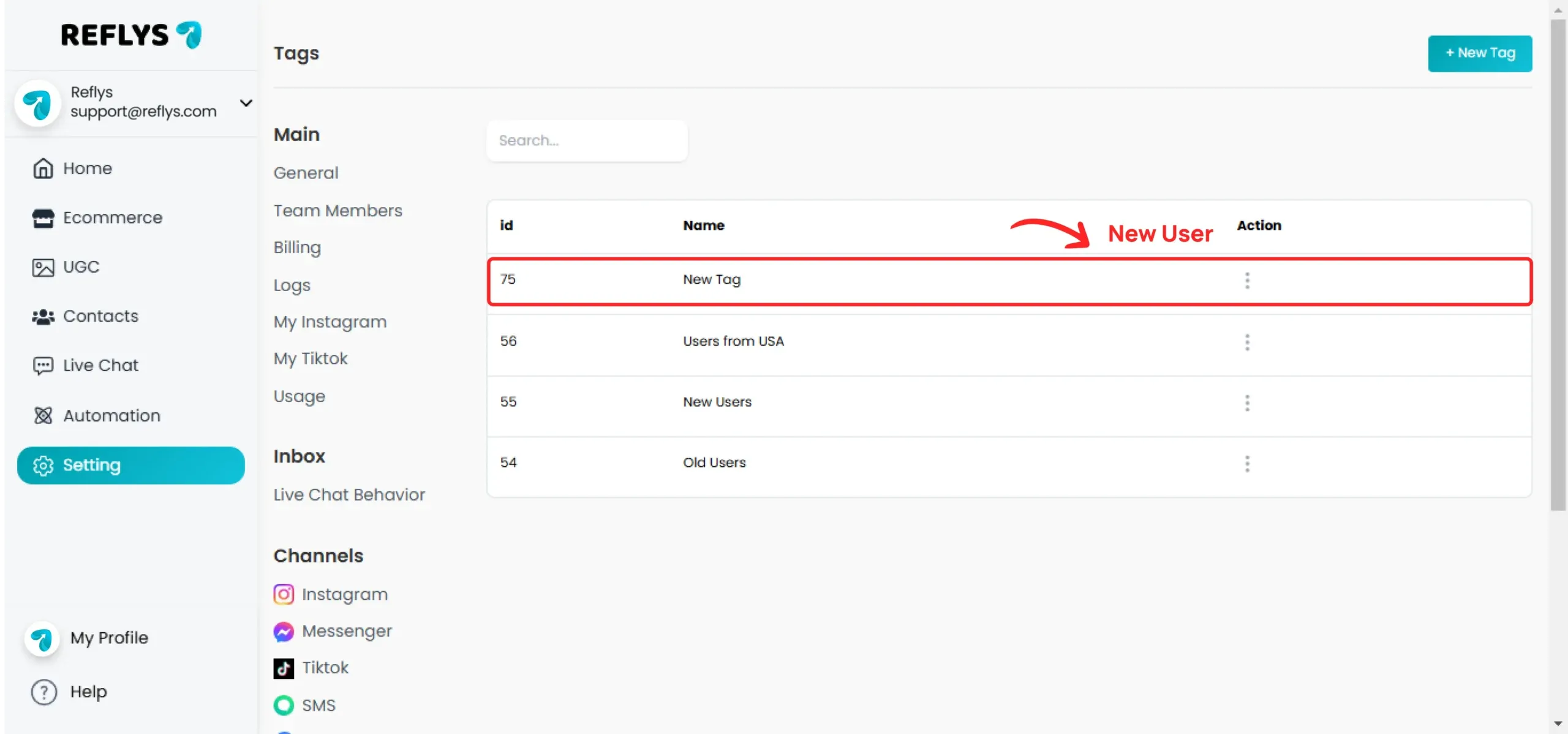
Your tag has been created. Newly created tags should appear at the top