
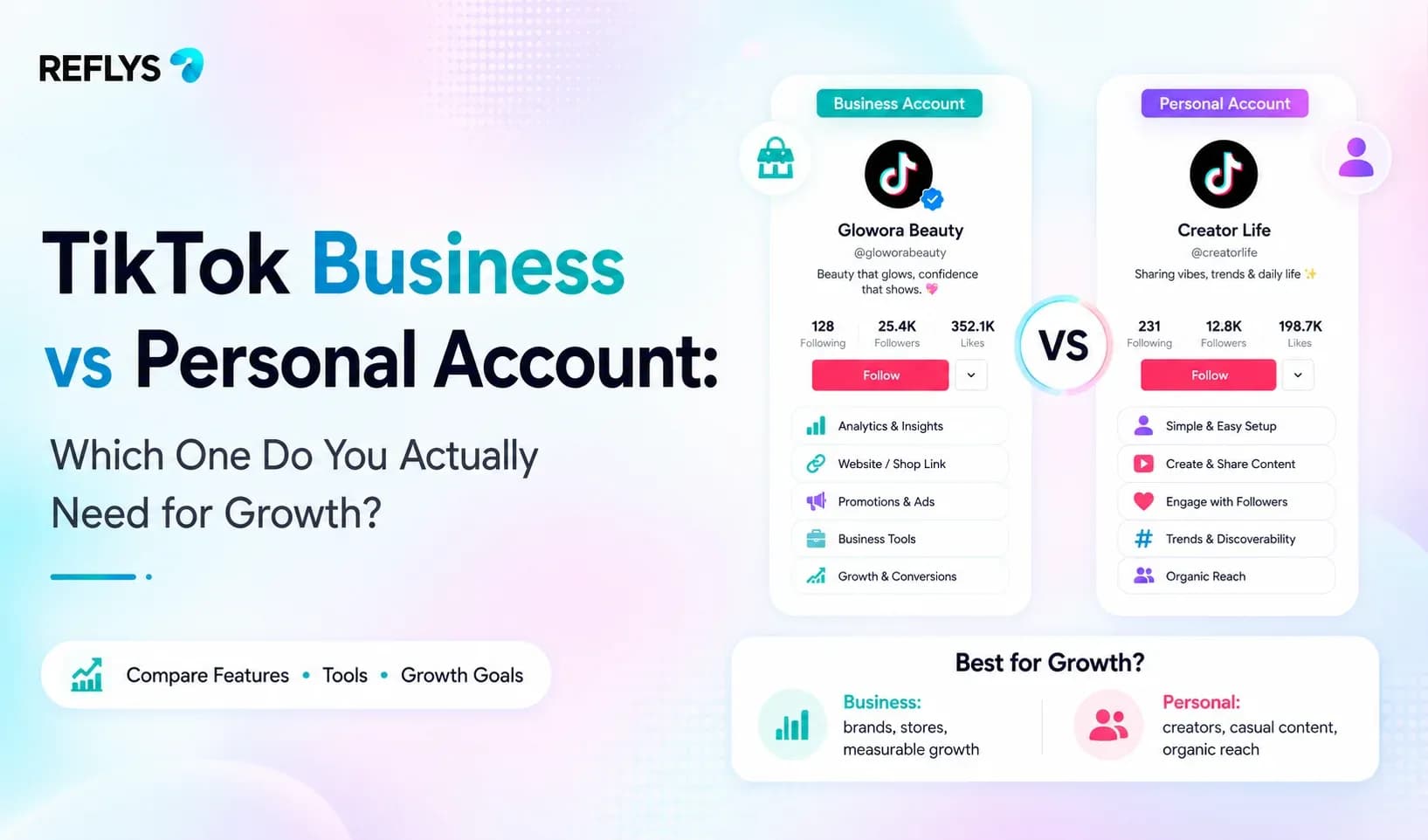
If you are setting up TikTok to drive real revenue for a local business, online store, or creator brand, understanding The TikTok Algorithm is important, but your account type determines your operational ceiling. Choose the wrong profile, and you will hit sudden brick walls when you try to run targeted ads, add a clickable link, or connect a chat automation platform to handle incoming leads.
A TikTok Business Account is a public profile built for brands and marketers that unlocks advanced analytics, commercial music, Ads Manager, and official API-driven messaging tools. A Personal (or Creator) Account is designed for individual expression, granting full access to trending consumer audio libraries and native creator monetization programs, but restricting automated workflows.
The core dilemma is simple: creators want viral audio and organic reach, while brands and local businesses need conversion tools, analytics, and automated chat flows that turn comment sections into customer pipelines.
Core Differences at a Glance
Before changing settings in your app, look at how the two account types handle the features that matter most for business growth and community management.
| Feature / Capability | Personal (Creator) Account | Business Account |
|---|---|---|
| Trending Audio & Music Library | Full access to general consumer tracks | Limited to Commercial Music Library |
| Website Link in Bio | Requires 1,000 followers | Available immediately from day one |
| Chat Automation Compatibility | Restricted / Not supported | Fully compatible via official APIs |
| Ads Manager Access | Limited to basic Promote feature | Full access to TikTok Ads Manager |
| Monetization & Funds | Eligible for Creator Rewards / LIVE Gifts | Ineligible for creator funds (relies on TikTok Shop) |
When to Choose a Personal (Creator) Account
For local business owners, content creators, and influencers who rely heavily on organic audio trends, starting on a Personal account often makes sense.
- You need viral sound alignment: If your content strategy relies on hopping on fast-moving audio trends within hours of their release, a Business account will frustrate you. Commercial accounts cannot use copyrighted consumer tracks, limiting your audio choices to pre-cleared commercial tracks.
- You monetize through creator programs: If your primary revenue stream relies on creator funds, LIVE gifts, and direct tipping features, personal or creator profiles maintain eligibility.
The major drawback? You cannot connect external automation software to handle DMs, and your profile link requires hitting the 1,000-follower threshold. If a viewer comments asking for your booking link or pricing sheet, you have to reply manually or direct them away from the platform.
When to Switch to a TikTok Business Account
If your TikTok presence exists to generate leads, book appointments, or drive e-commerce sales, a TikTok Business Account is non-negotiable.
- Immediate link-in-bio access: You can add a direct website URL or booking calendar link to your profile immediately, regardless of your follower count.
- Official chat automation support: Connecting your profile to automation tools requires a Business account. When hundreds of prospective customers comment keywords like "PRICE" or "BOOK" on your viral videos, an automated workflow can instantly deliver a direct message with your checkout or scheduling link.
- Advanced analytics and Ads Manager: You gain access to deep audience demographic data and full-scale ad campaign management through Ads Manager, rather than relying solely on the basic in-app Promote button.
The trade-off is absolute: your account is permanently public, and you must source background tracks exclusively from the Commercial Music Library to avoid copyright strikes.

Set Up TikTok Automation in Reflys in Under 10 Minutes
If you have already switched your profile to a Business account to capture leads, turning manual comment management into an automated system takes just a few steps.
To see these tools in action before you start, you can watch the Reflys live demo to understand the full potential of automated customer engagement.
- Connect your channel: Log into your dashboard, select TikTok as your channel, and authorize your Business Account securely through official API permissions. No unofficial workarounds or scraping tools are involved, protecting your account from bans.
- Create a new automation flow: Open the visual flow builder and select a trigger event—such as a user commenting a specific keyword like INFO or SHOP on any of your posts.
- Draft your response: Write the direct message sequence that triggers instantly when a user drops that keyword. Include your direct link or booking page.
- Test the trigger: Publish the flow, open TikTok from a secondary account, leave the target keyword in your comments section, and watch your automated DM arrive in seconds.
Trust Architecture & Account Safety
Many third-party automation tools encourage risky practices like browser extensions or unofficial scrapers that violate platform terms of service. Reflys is built entirely on official Meta, WhatsApp, and TikTok API protocols, strictly adhering to the Messenger Platform policy, WhatsApp consent rule, and TikTok official API compliance. Your account stays safe from sudden security blocks, ensuring your marketing funnels run uninterrupted 24/7.
Ready to stop answering the same DM manually? You can set up your first TikTok comment-to-DM workflow on Reflys today. Start your 7-day trial.

