
You just dropped a new product. The Reel catches fire. Suddenly there are 80 comments asking for a link or a price.
Replying by hand burns hours you don't have, and ignoring them costs sales. When someone comments at 2 a.m., the buying moment passes fast.
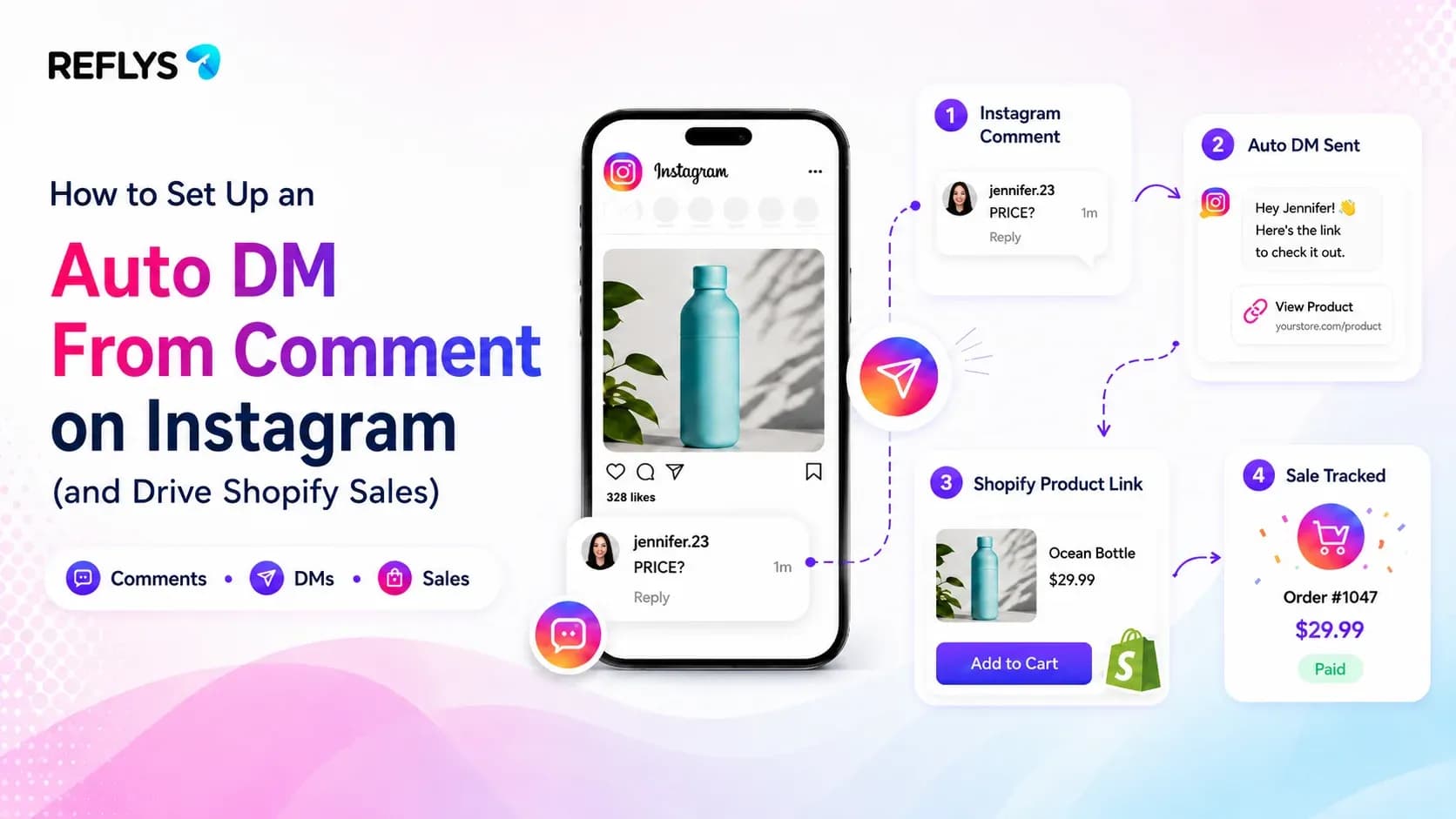
An auto DM from comment (often called comment-to-DM) is an automation that sends a direct message to anyone who comments on your post or Reel, usually with a specific keyword. It turns public engagement into a private conversation where you can share links, codes and answers.
This guide covers how it works, the Instagram rules you have to follow, how to set it up in Reflys, and message templates you can copy.
How Comment-to-DM Works on Instagram
You ask people to comment a keyword, for example "LINK", on a post or Reel. When someone does, the automation:
- checks the comment for your keyword,
- optionally replies publicly under the comment ("Sent you a DM!"),
- sends the commenter a private DM with the link, code or answer they asked for,
- keeps the conversation going if they reply, with buttons, follow-up questions or a hand-off to your team.
Why It Beats "Link in Bio"
Comments tell Instagram your post is worth showing to more people. But reach alone does not pay for inventory.
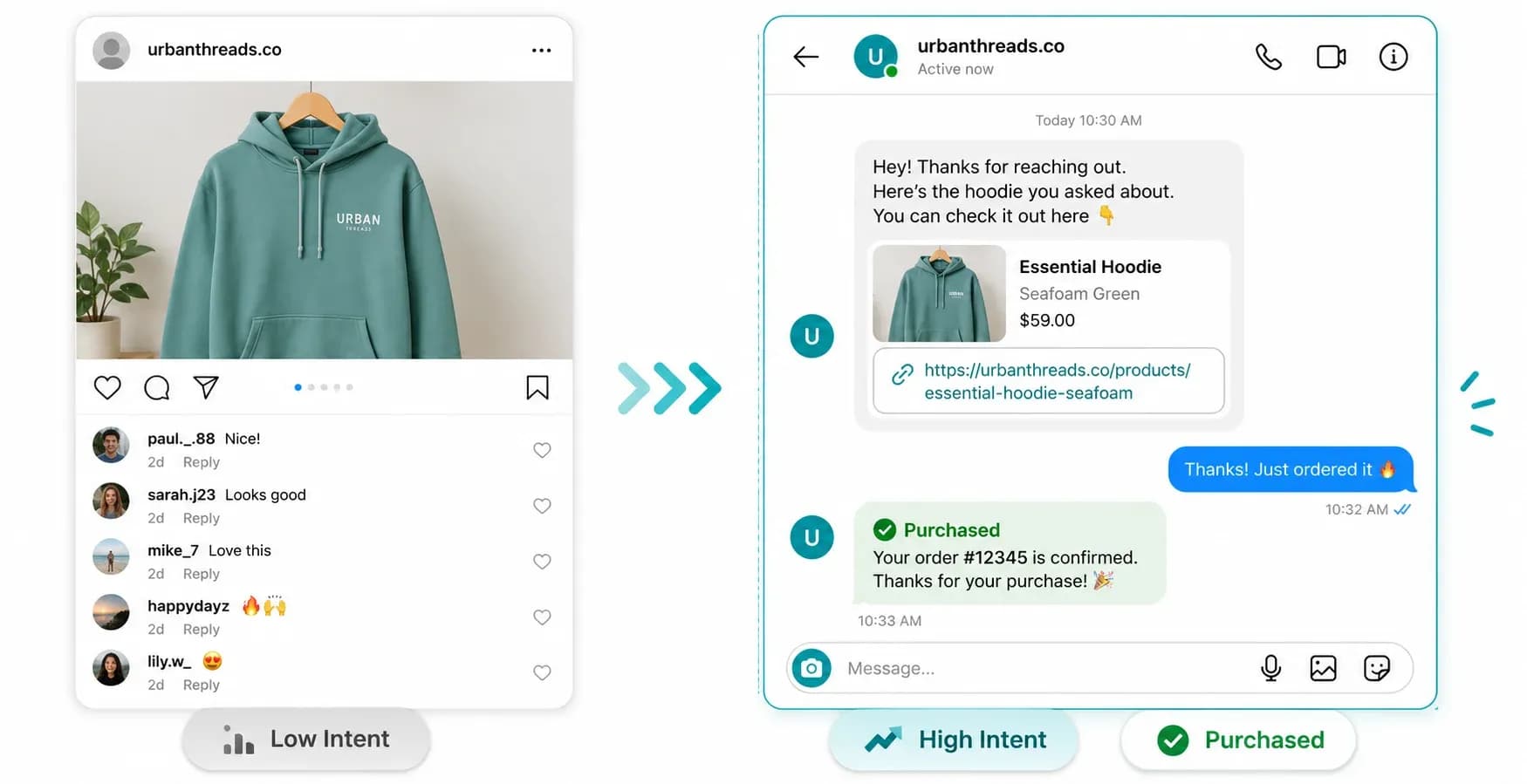
A DM changes that. You can put clickable links in DMs, which you cannot do in captions. Ask followers to comment a keyword like "SHOP" and you get both: the comments boost your reach, and each commenter gets a checkout link straight away instead of hunting for it in your bio.
Picture a jewelry store getting 150 comments during a flash sale. Answering each one by hand takes hours, and sending the same message over and over by hand is the kind of activity Instagram restricts. An automation answers all of them in seconds.
Ready to test it? You can build this exact flow in a few minutes. Start free trial and connect your Instagram.
Instagram's Rules for Auto DMs From Comments
Comment-to-DM is allowed when it runs through Instagram's official API. These are the rules every legitimate tool works within:
- One private reply per comment. The first DM is a reply to that comment. You can send more only after the person replies to you.
- Within 7 days of the comment. Instagram only allows a private reply to a comment for 7 days, so automate it rather than working through comments a week later.
- The 24-hour window. Once the person replies, you can keep messaging them for 24 hours after their last message.
- Professional accounts only. The automation needs an Instagram Business or Creator account.
The accounts that get restricted are usually the ones using tools that log in with your password, scrape the app or send DMs to people who never contacted them. Reflys runs on the official Meta API and works within these limits, so your automation follows the same rules Instagram applies to every approved app.
How to Set Up an Auto DM From Comments in Reflys
You do not need a developer, and you can have it live before your next post.
- Connect Instagram: create your Reflys account and link your Instagram professional account.
- Add the trigger: in the automation builder, add the Instagram Post and Reel Comments trigger and choose a specific post or Reel, or all of them.
- Set the keyword: pick the word people should comment, like "LINK" or "PROMO". Add the variations people actually type, such as "link" or "links".
- Write the DM: keep it short and put the link or code in the first message.
- Add a public reply (optional): reply under the comment so other viewers see that commenting works.
- Test it: comment from a second account before you publish, then switch it on.
Comment-to-DM Message Templates You Can Copy
Each template is the DM sent when someone comments the keyword in brackets. Swap in your own links and details.
- Product link ("LINK"): "Hey! Here's the one from the Reel: [product link]. Want me to check your size or delivery time too?"
- Discount code ("DROP"): "You're in early. Use DROP10 for 10% off today only: [product link]."
- Lead magnet ("GUIDE"): "Here's your free guide: [download link]. Reply with your biggest question and we'll send a tip on it."
- Price and shipping ("PRICE"): "It's [price], and we ship to [region] in [X] days. Tap below to order or ask us anything."
- Giveaway ("WIN"): "You're entered! We'll announce the winner on [date]. Follow us so you don't miss it."
3 Ways E-Commerce Stores Use Comment-to-DM
1. Product Drops and Discount Codes
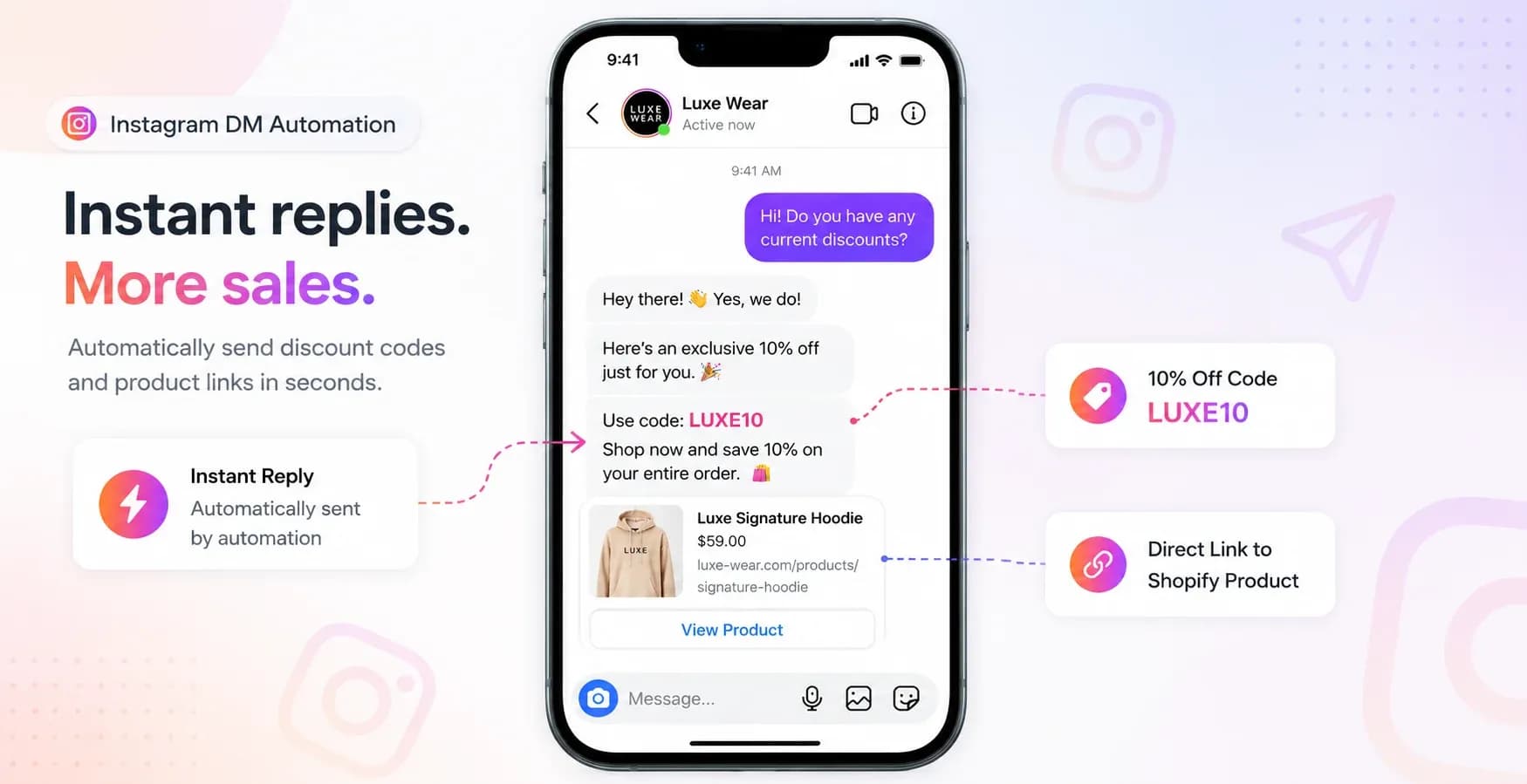
Launch a new item and tell viewers to comment "DROP". The automation sends a discount code and the product link, so a short Reel becomes a sales funnel you can measure.
2. Pre-Sale Questions
Buyers ask about shipping times and sizing in the comments all the time. Add triggers for words like "shipping" or "size" and send your policy or size chart, which answers the last question before checkout.
3. Follow-Up on Another Channel
Not everyone buys from the first DM. Reflys connects to Shopify and WooCommerce, so you can follow up on carts and orders by WhatsApp, SMS or email, all from the same place.
Tips to Get More Comments (and More DMs)
- Say the keyword in the video and write it in the caption. People comment what they are told to comment.
- Pin a comment that repeats the keyword and what they will get.
- Keep the keyword short and unique, so it is easy to type and does not fire on unrelated comments.
- Promise something specific: "Comment LINK for the size guide" works better than "Comment for info".
- Answer the follow-up question. Add buttons or a keyword reply for the questions people ask next, and hand complex ones to your team.