
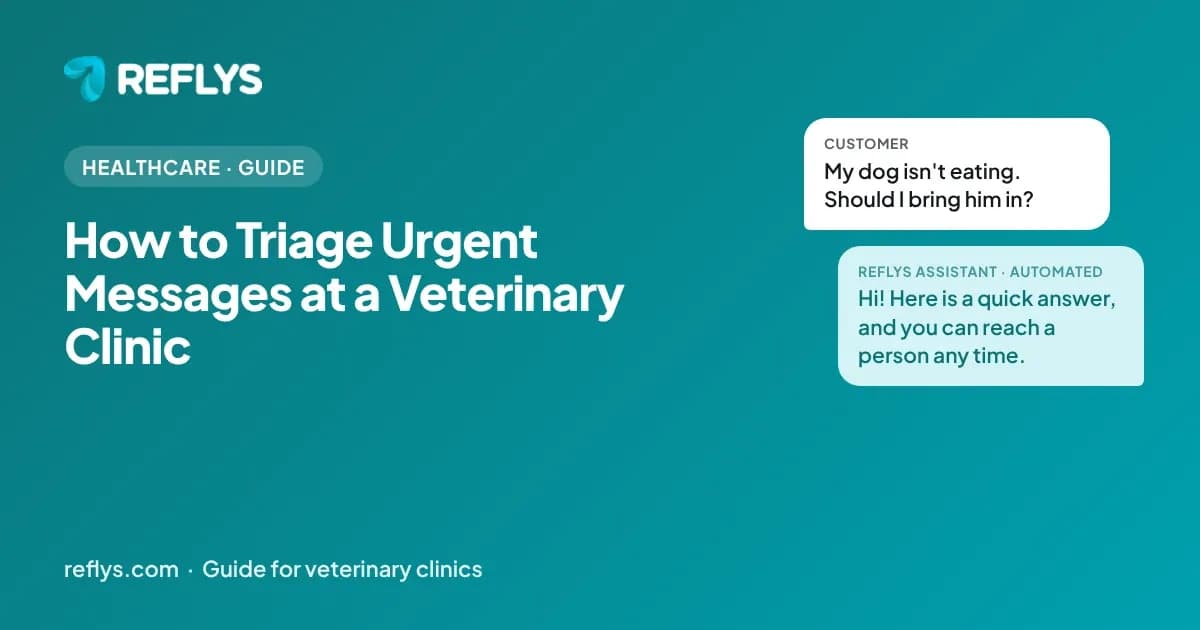
To triage urgent messages at a veterinary clinic, put an emergency line in the first reply, route any message that mentions an emergency to a staff member immediately and keep routine requests such as wellness reminders and boarding in automation. The chat does not diagnose pets. This guide shows how to draw the line.
How do you spot an urgent pet message?
Look for words such as bleeding, poisoning, collapse, trouble breathing or seizure, and send those straight to staff while telling the owner to call.
Automation cannot judge severity. The first message should always offer a phone number for emergencies, and unmatched messages should go to a person. The AVMA's pet owner pages include first-aid information you can point to.

How should wellness reminders work?
Send reminders when a vaccination or checkup is due, with a booking link and an opt-out.
Base the timing on your own schedule for each pet, and let owners reply to change it. Keep medical detail short and refer questions to the veterinarian.

How do you handle boarding requests?
Collect dates, pet details, vaccination status and special needs, check availability and confirm. Staff should confirm before it is final.
A checklist of required vaccinations avoids surprises at drop-off. Send a confirmation with the policy on pickup times and what to bring.
What problems does chat automation solve for veterinary clinics?
It takes the repetitive, factual first replies off your team: urgent triage, wellness reminders, boarding requests.
Worried pet owners message urgently and need to know if it's an emergency. Vaccination and wellness reminders are inconsistent without automation. Medical questions and boarding/grooming requests blur into one inbox.
What must veterinary clinics decide before using chat at all?
Decide first what the chat will never handle. Use it for logistics such as hours, directions, forms and reminders, keep sensitive personal details out of it, and have your compliance lead or attorney approve every flow before launch.
Do not diagnose or advise on a pet's condition; give an emergency number in the first reply. Primary sources worth reading before you build: Pet owner resources (American Veterinary Medical Association), WhatsApp Business Messaging Policy (WhatsApp), and CAN-SPAM Act: A Compliance Guide for Business (Federal Trade Commission). Chat does not replace professional judgment, and nothing in this guide is legal, medical, tax or financial advice. Rules change, so confirm current requirements with your own advisor before launch.

How do you know the automation is working?
Track first-response time, the share of conversations resolved without a person and the reasons conversations were handed over. Review a sample of real chats every week.
Start with a baseline from your last month of messages, then change one flow at a time so you can see what helped. The most useful list is the questions the chat could not answer: each one is either a gap in your answers or a case that should stay with a person. For veterinary clinics, watch these topics first: urgent triage, wellness reminders, boarding requests.
How do you try this on your own account?
Start the 7-day trial at app.reflys.com: a card is required and you are not charged until day 8. You can build and test your first flow on your own account before any customer sees it.
Pro starts at $12 a month and suits one person answering messages; Business adds team seats and assignment. If you would rather see it first, book a demo and we will walk through your own questions.
Related guides
- How to use whatsapp messaging in a healthcare practice
- How to automate eye exam bookings and reminders
- How to re-engage lapsed chiropractic patients
Sources
- Pet owner resources — American Veterinary Medical Association
- WhatsApp Business Messaging Policy — WhatsApp
- CAN-SPAM Act: A Compliance Guide for Business — Federal Trade Commission
About this guide: written by the Reflys Team from Reflys product documentation and the public sources above. It describes general practice and does not report customer results. It is not legal, medical, tax or financial advice.