Keep the Business Traveler Informed Without a Phone Call
Corporate travelers need a confirmed itinerary and a fast answer on policy, not a call back tomorrow.
Reflys delivers both automatically, on the channel your travelers already have open.
$0 today. Cancel anytime
Where business travelers
are left waiting
Itinerary changes mid-trip get relayed by phone instead of landing directly in the traveler's chat
Travel-policy questions — per-diem, booking class, approval limits — repeat with every trip request
Trip approvals move through email chains, so a delayed sign-off delays the whole booking
Traveler profiles and trip history sit in the corporate booking tool, disconnected from wherever travelers are actually messaging for updates
After-hours flight disruptions leave travelers waiting until the next business day for rebooking help
Expense-linked booking details get requested one email at a time after every trip
From Trip Request to Delivered Itinerary
Itinerary Delivery & Updates
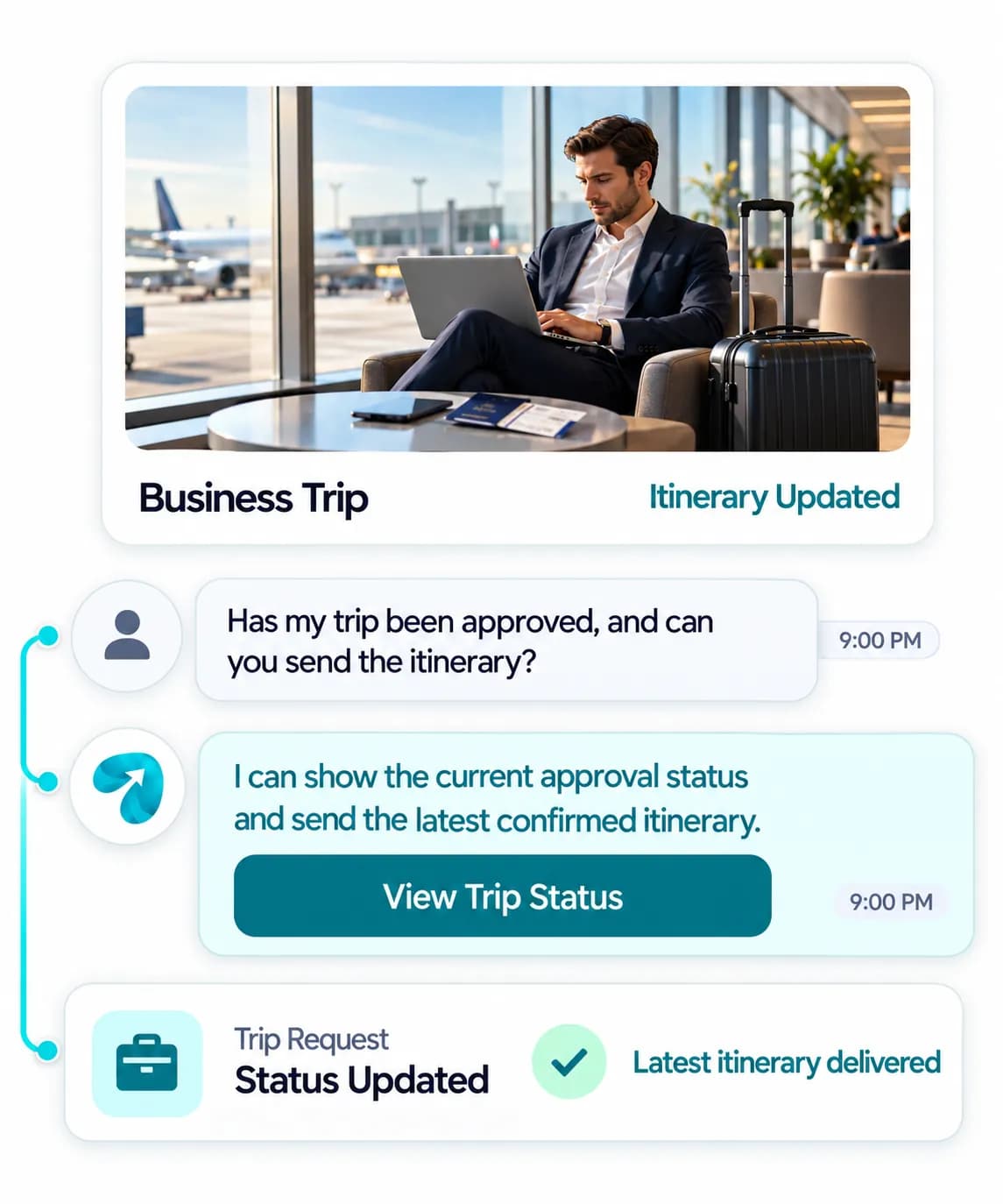
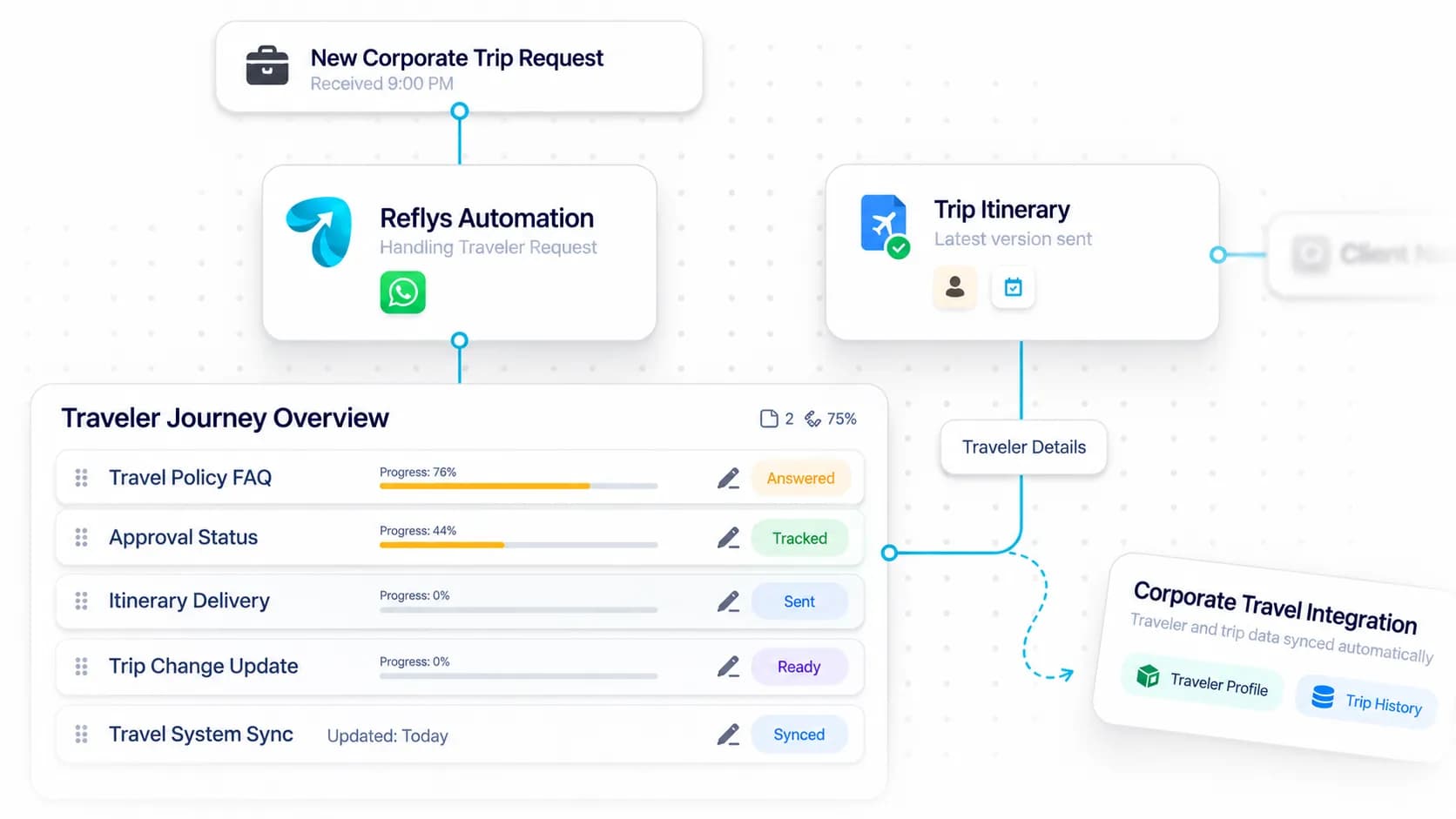
Flight, hotel, and rebooking changes sent straight to the traveler's chat the moment they're made.
Travel Policy FAQ
Instant answers on per-diem, booking class, and approval limits.
Approval Status Tracking
Travelers check where a pending trip request stands without emailing the travel desk.
CRM Integration
Connects to your corporate travel booking tool via API or webhook, configured directly into your automations — reads traveler profiles and trip history and writes itinerary updates back in parallel.
Where Business Travel Conversations Happen
WhatsApp-led — itinerary delivery, policy FAQs, and approval status in one thread per traveler. Built for travelers already juggling meetings, not checking a separate travel portal.

Answer New-Client Inquiries
Instagram DM gives companies that find you through your posts an instant first reply on your travel management services.
Best for:
- New inquiries
- Instant reply

One Thread Per Traveler
WhatsApp handles itinerary delivery, policy FAQs, and approval status for travelers already juggling meetings.
Best for:
- Itinerary updates
- Policy FAQ
Corporate Travel Management Automation That Keeps Travelers Informed
A business traveler does not want a portal. They want a confirmed itinerary on their phone and a fast answer when something changes between meetings. Corporate travel management automation delivers both in the chat they already have open, and takes the repeat questions off your travel desk.
How it works
Deliver itineraries in chat
Automated itinerary updates send flight, hotel and rebooking changes to the traveler the moment they are made. Mid-trip changes arrive in writing instead of by phone.
Answer travel policy questions instantly
A travel policy chatbot replies on per diem, booking class and approval limits, so travelers check the rules before they submit a trip request. That means fewer requests bounce back for being out of policy.
Show approval status
Travel approval status tracking lets a traveler see where a pending request sits in the approval workflow without emailing anyone. The travel desk stops fielding “has it been approved yet?” messages.
Connect your booking tool
By API or webhook, Reflys reads the traveler profile and trip history and writes updates back to the system your team already uses.
In practice
Picture a sales director whose 6 pm connection in Chicago is canceled while she is still in a client meeting. Before she reaches the gate area, her phone shows the new flight your team booked, the updated hotel check-in and a note that the change is within policy. She reads it in the hallway and walks to the right terminal. Nobody had to reach her by phone. The whole update took one message.
Practical tips
Lead every disruption message with the new flight time and gate status. Explanations can follow. The traveler needs to know where to go.
Write policy answers the way an employee asks them: “Can I book business class to London?” works better than quoting the policy document.
Include booking references in the confirmation thread. Travelers pull them up later when they file an expense report. A single thread per trip keeps flights, hotel and changes together.
Questions? We've got answers.
Everything you need to know about Reflys, automations, integrations, and getting started.

Yes — updates on flight changes, hotel confirmations, or rebookings go straight to the traveler's chat thread the moment they're made.
Turn more conversations into customers.
Set up your first automation in under 10 minutes. No risk to your accounts—just more conversations turned into sales, starting today.
Start free trial7-day trial. Not charged until it ends.

Turn conversations into opportunities with automated replies and follow-ups.

Get better
at customer automation.
Powered by BJS Soft Solutions LLC © 2026, Reflys.
By using Reflys, you agree to our Terms of Service and acknowledge our Privacy Policy.