
Install Klaviyo with Reflys
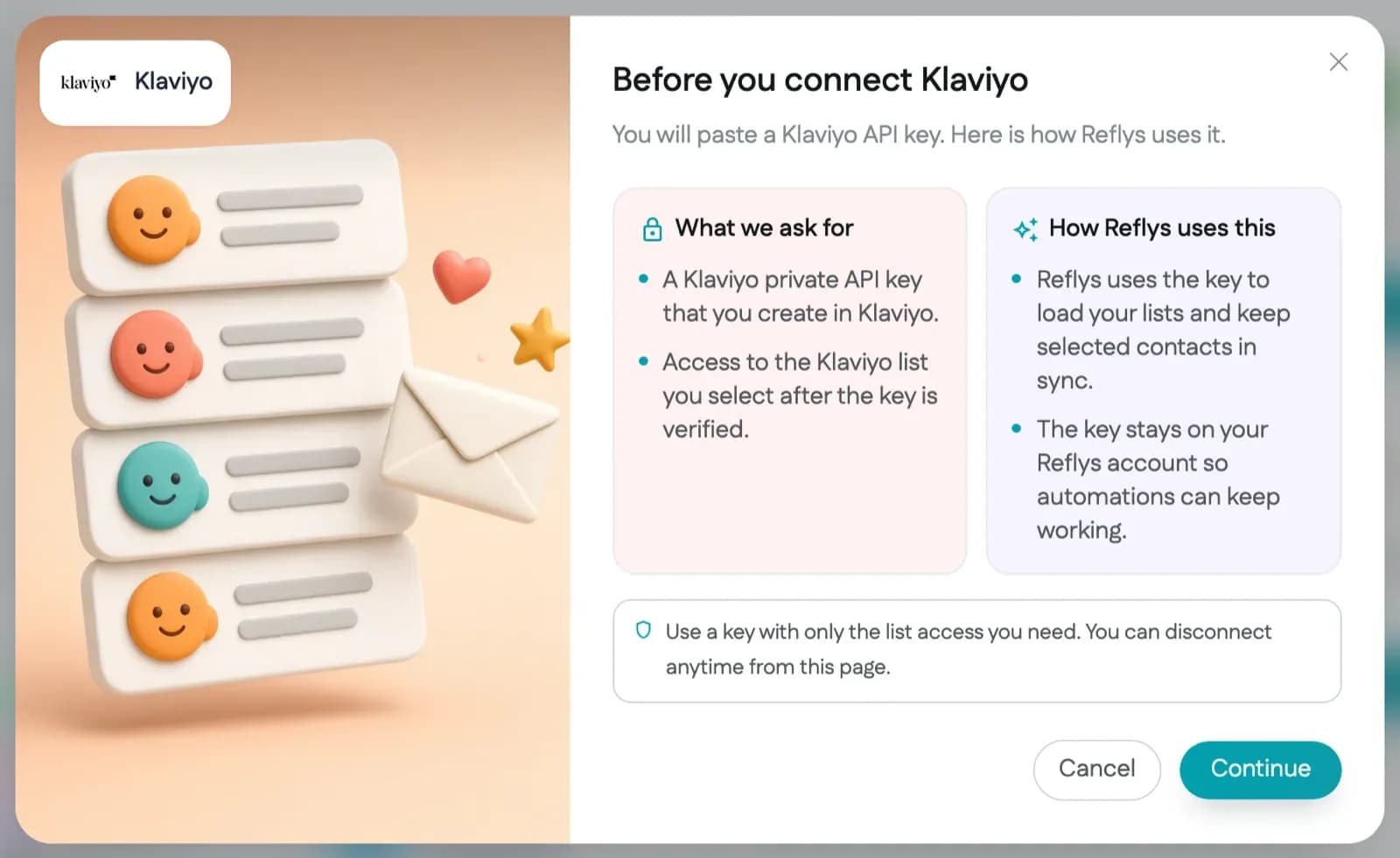
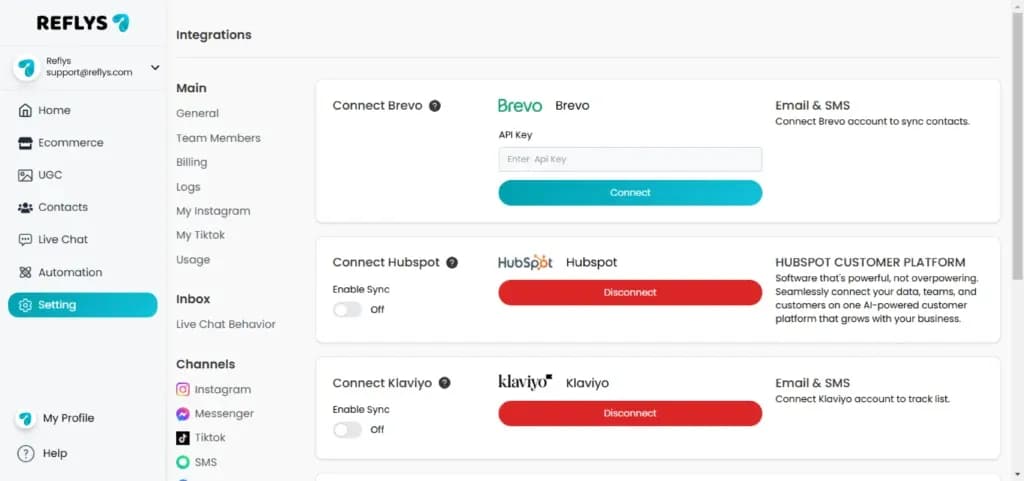
Go to Settings > Integrations (under Extensions) and click Connect on the Klaviyo card. In the Before you connect Klaviyo window, click Continue. The Private API Key field appears on the card.
In a new tab, open your Klaviyo dashboard. If you do not have a Klaviyo account yet, sign up and log in.
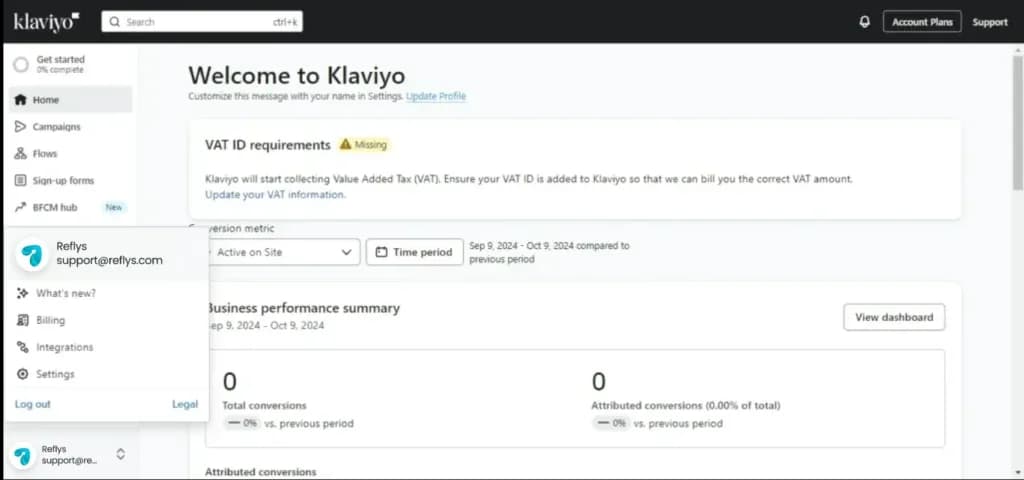
Click on Settings, then click on API Keys
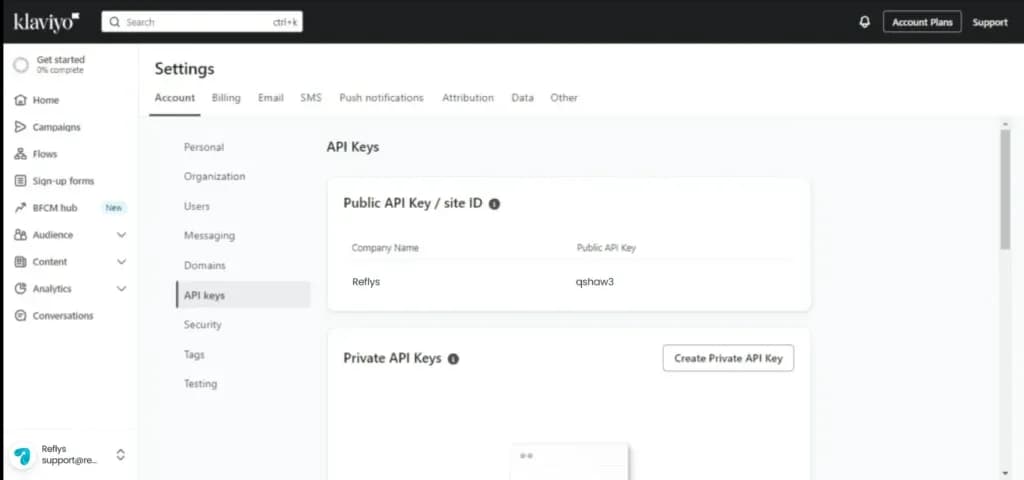
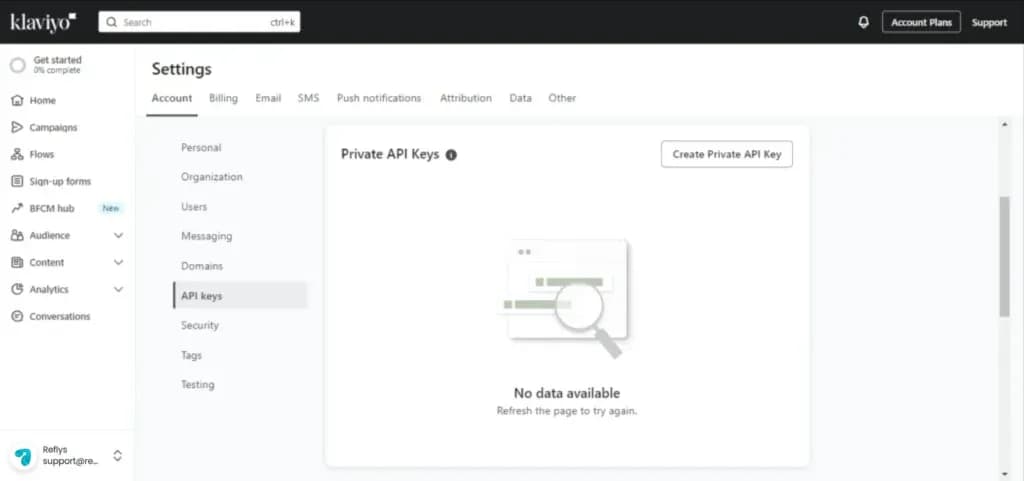
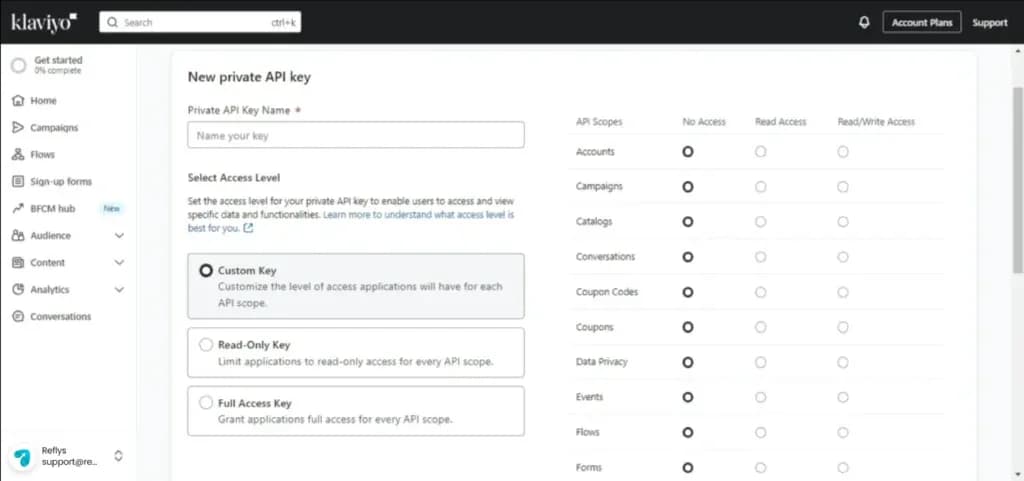
Click on the Create Private API Key button
Enter your friendly name, Select access level to Custom Key, and set the API scopes for Events and Lists to full access
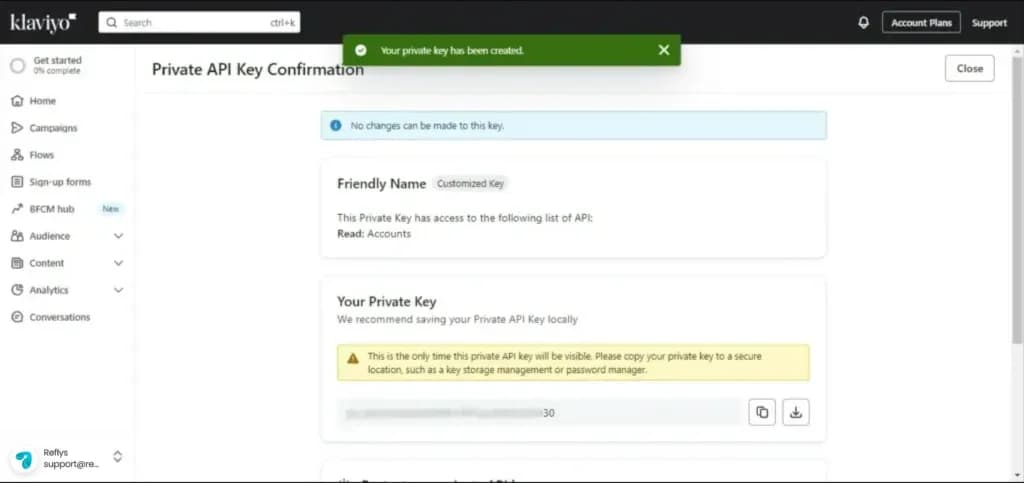
Copy your Private key
Back in Reflys, paste the key into the Private API Key field.
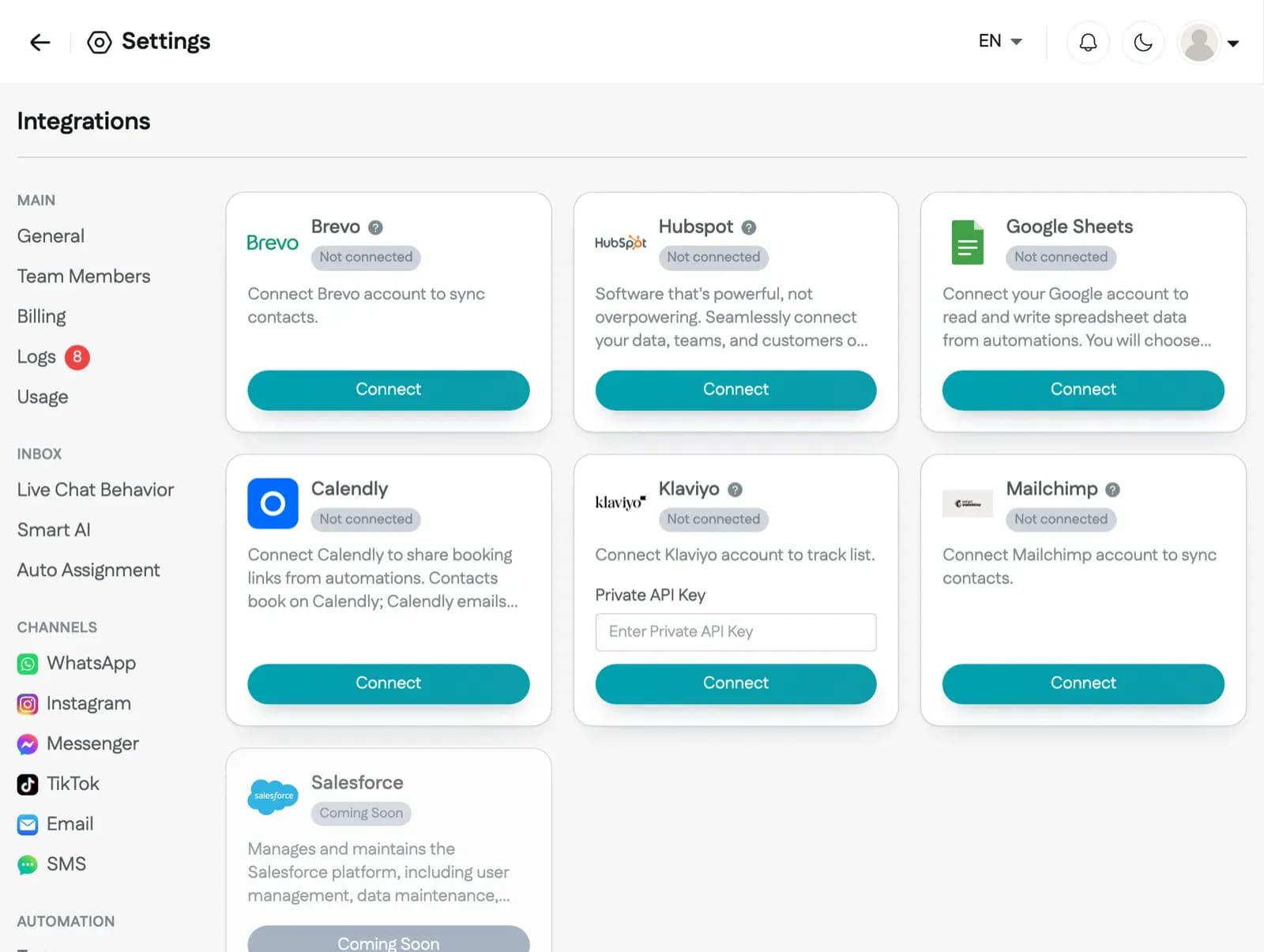
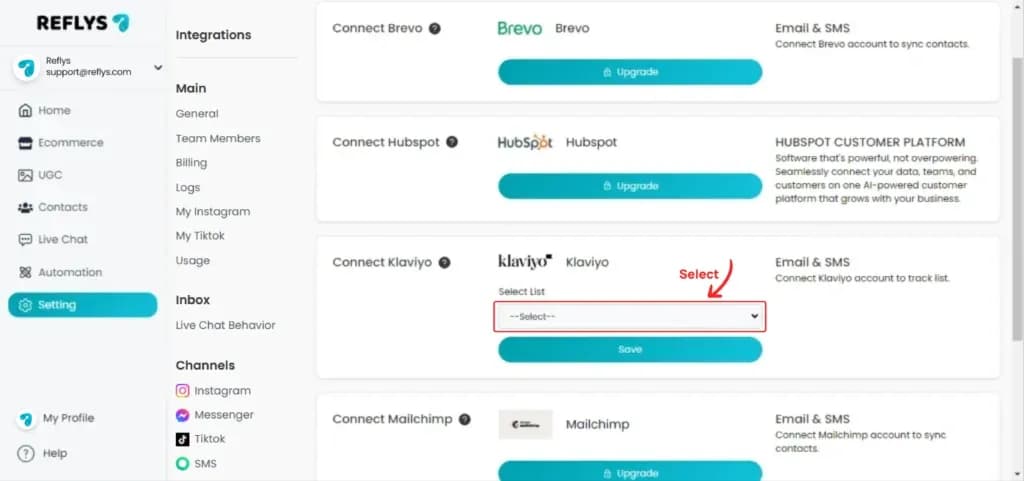
Click Connect. After Reflys verifies the key, choose a list under Select List and click Save.
You are all set!
What the Klaviyo integration does
Reflys sends events to your Klaviyo account. Each event creates or updates the matching Klaviyo profile with the contact's email, name, and Reflys properties such as Reflys_Instagram_Handle, Reflys_Tiktok_Handle, Reflys_Instagram_Followers, and Reflys_Orders. Four events are sent:
- Reflys Profile Updated: sent when a new contact is created in Reflys and when a contact answers a data collection step in an automation, for example by sharing an email address.
- Reflys Coupon Added: sent when Reflys generates a discount code for a contact. The code is saved in the Reflys_Discount_Code property.
- Reflys Order Place: sent when an order in your connected Shopify, WooCommerce or BigCommerce store uses a discount code Reflys generated for the contact. The order total is saved in the Reflys_Net_Sales property.
- Reflys Mentioned: sent when a contact mentions your Instagram account in a story or in a comment.
You can use these metrics as triggers for your Klaviyo flows.
Before you start
- Integrations are included in the Pro and Business plans. On a plan without integrations, the card shows an Upgrade button instead of Connect.
- You need the Owner or Admin role in Reflys. Other roles do not see the Connect and Disconnect buttons.
- Give the private key access to Lists and Events. Reflys reads your lists to check the key and writes events to deliver data.
Troubleshooting
- "Enter valid private key": Klaviyo rejected the key. Paste the full private key again and confirm it has Lists access.
- "Private API Key is required": the Private API Key field was empty when you clicked Connect.
- No new data in Klaviyo: make sure Enable Sync is turned on for the Klaviyo card. When it is off, Reflys stops sending events.