
Stripe Billing with Reflys: Guide
If your Reflys account is not billed through a connected Shopify store (for example, you use WooCommerce, BigCommerce, or no store), you pay for your Pro or Business plan through Stripe. New accounts start with a 7-day free trial. A card is required to start it, and you are not charged until the free trial ends.
Go to Settings and open Billing.
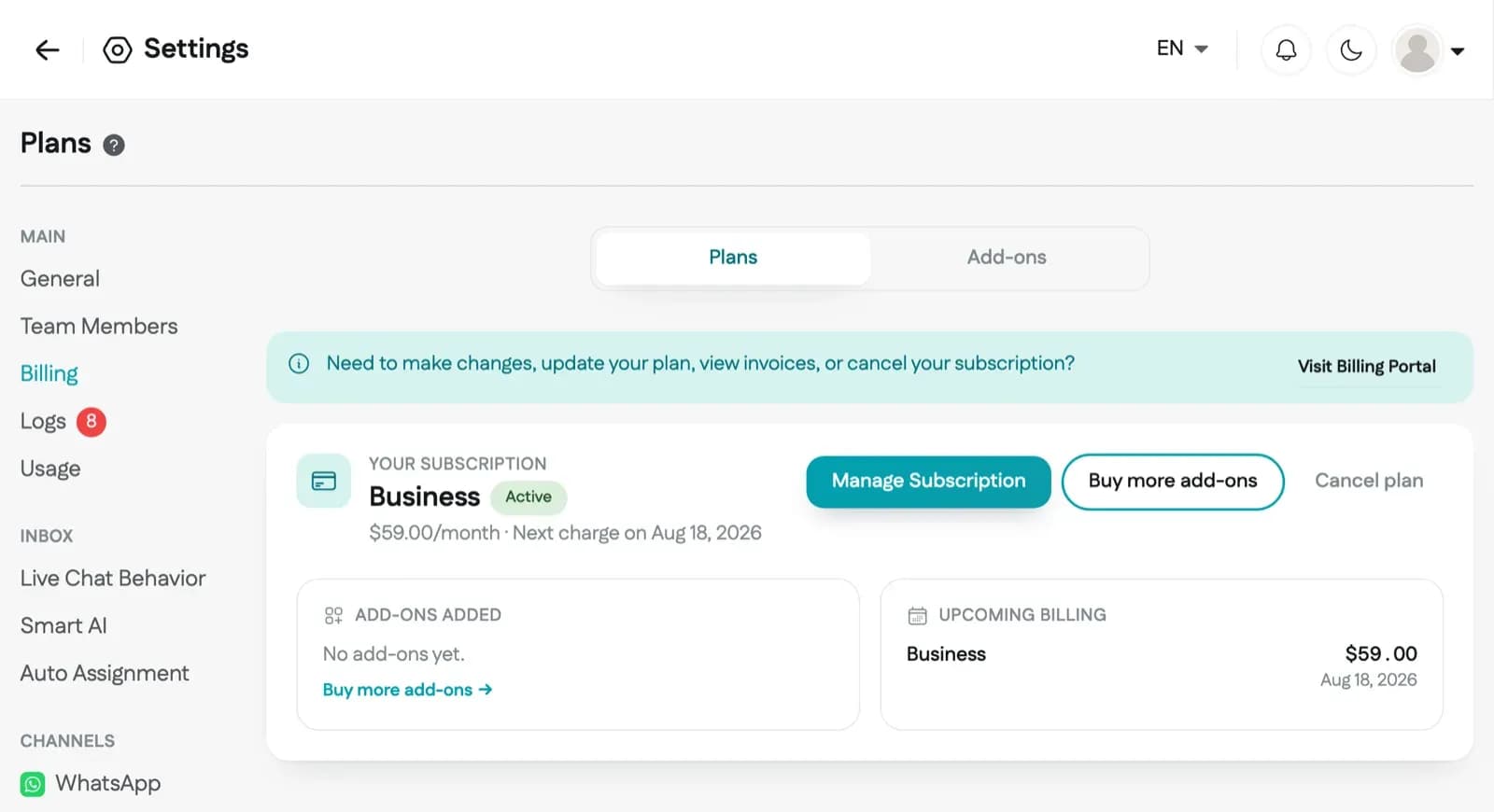
Choose Billed monthly or Annual, then click the button on the Pro or Business plan. If you are starting your free trial, the button says Start free trial. If you already have a plan, it says Upgrade or Downgrade.
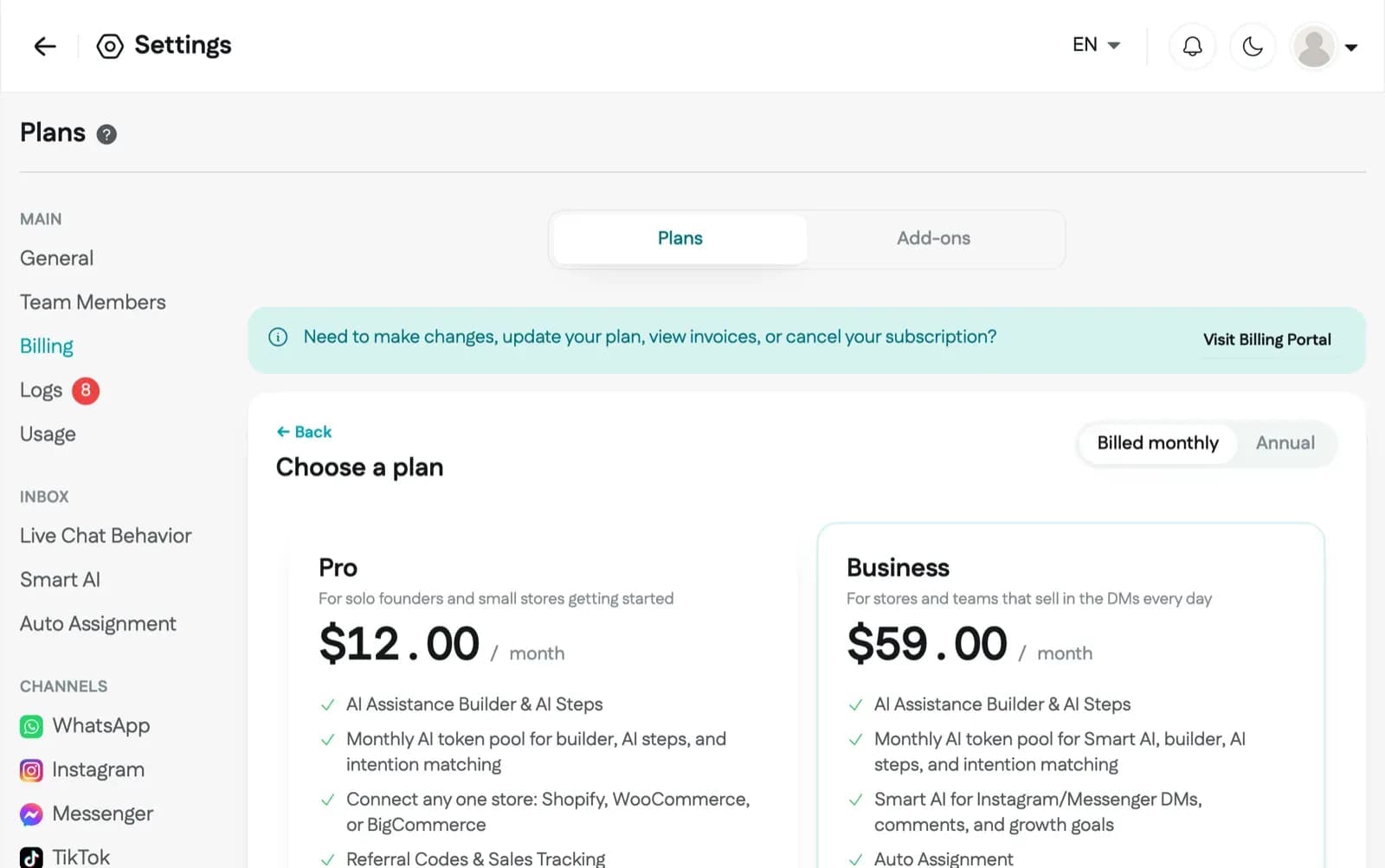
In the window that opens, check your plan and click Start free trial (or Upgrade Now if you are not starting a free trial). This checkout is for your plan only. You add extra contacts, team seats, or AI credits separately after you subscribe.
You will be redirected to the Stripe billing page. Enter your card and billing details (a card is required to start the free trial), and click the Start Trial button.
After checkout you return to Reflys and see Payment successful. From there you can add contacts, team seats, or AI credits, or click Back to billing to see your subscription.
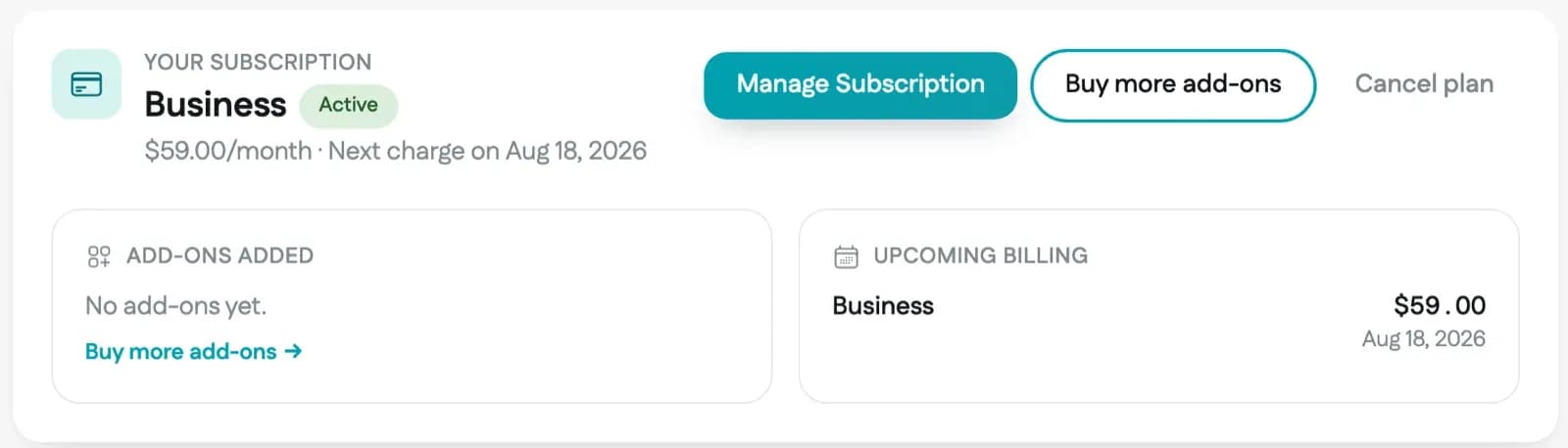
To update your card, view invoices, or cancel, click Visit Billing Portal on the Billing page. You can also click Cancel plan, check the box to confirm, and click Cancel plan again. Your plan stays active until the end of the current billing period or free trial.

Before you check out
- Add-ons such as extra contacts need an active plan. Subscribe to Pro or Business first, then open the Add-ons tab on the Billing page to add them.
- Add-ons are bought separately from your plan, one add-on type per checkout. Extra contacts are sold as yearly packs. Team seats and AI credits are billed monthly.
- If you have a promotion code, you can enter it on the Stripe checkout page before you confirm.
After you subscribe
Your Billing page shows your plan status (Trial, Active, Past due, or Cancelled) and an Upcoming Billing summary with the date and amount of your next charge. During the free trial it shows when the free trial ends and what you will be charged. We also email you a reminder before the free trial ends.
Why does Visit Billing Portal open Shopify instead of Stripe?
If your Reflys account is billed through a connected Shopify store, your plan is managed in the Reflys app settings in your Shopify admin, and Visit Billing Portal takes you there.
Is my card charged when I click Start Trial?
No. Stripe saves your card, and the first charge happens when the 7-day free trial ends unless you cancel first.