
To automate dental recall reminders, send a short, privacy-safe message when a patient is due, link to online booking and let them reply to reach a person. Keep the text to the fact that a visit is due, not the treatment. This guide shows how to set it up, handle new-patient intake and answer insurance questions without overreaching.
What should a dental recall message say?
Say that a routine visit is due, offer booking options and give a way to opt out. Do not mention treatments, balances or conditions in the message itself.
Time reminders around your recall interval and send one follow-up at most. Patients who book through the link should get an immediate confirmation, and those who do not respond can be routed to a call from the front desk.

How can new patients complete intake before the visit?
Send a secure intake link in the booking confirmation and remind them once. Collect health history in your secure form, not in the chat.
Pre-visit forms shorten check-in and reduce errors. Tell patients what to bring and how long the first visit takes. The chat should carry the link and the instructions only; the answers belong in your practice system.

How should insurance questions be handled in chat?
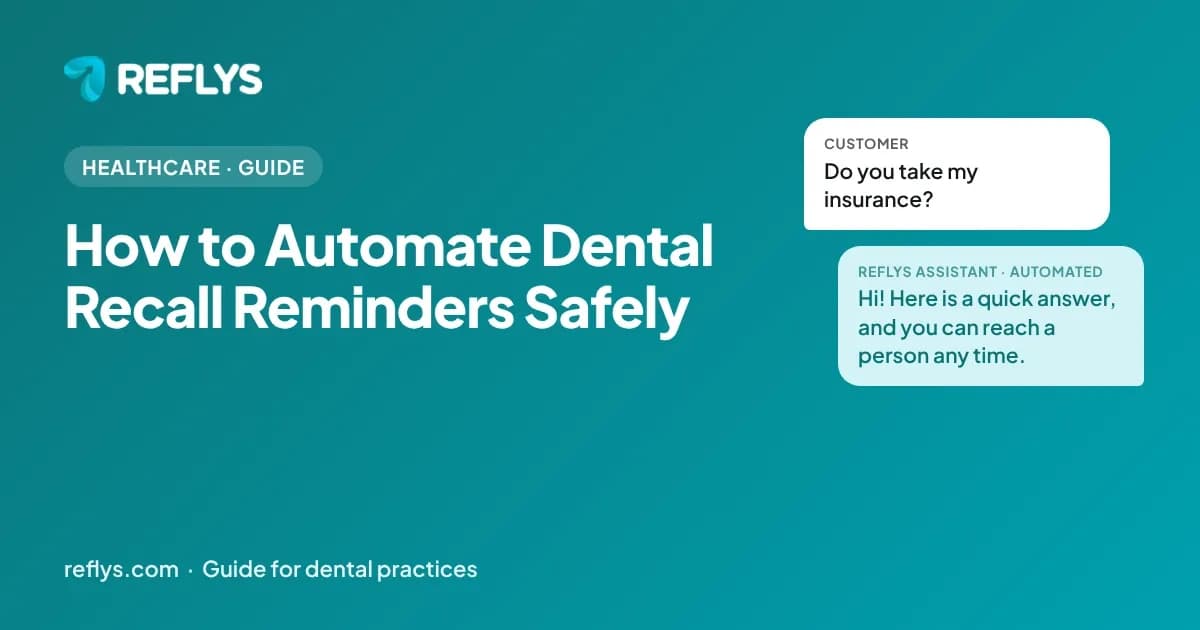
Answer the general question, such as which plans you accept, and send anything specific to a person. Benefits and coverage depend on the patient's plan, so the chat should never promise coverage.
Keep a plain list of accepted plans and how to check eligibility. For anything about cost or coverage, collect the patient's name and plan and have staff reply after checking. The ADA's patient site is a useful neutral reference for general oral-health questions.
What problems does chat automation solve for dental practices?
It takes the repetitive, factual first replies off your team: recall visits, new-patient intake, insurance FAQs.
6-month recall reminders are manual, so hygiene visits get skipped. New-patient intake happens in the waiting room, slowing every first visit. “Do you take my insurance?” repeats dozens of times a week.
What must dental practices decide before using chat at all?
Decide first what the chat will never handle. Use it for logistics such as hours, directions, forms and reminders, keep sensitive personal details out of it, and have your compliance lead or attorney approve every flow before launch.
Keep treatment details, balances and conditions out of automated messages. Primary sources worth reading before you build: Summary of the HIPAA Privacy Rule (U.S. Department of Health & Human Services), Marketing under the HIPAA Privacy Rule (U.S. Department of Health & Human Services), and MouthHealthy: Oral health information (American Dental Association). Chat does not replace professional judgment, and nothing in this guide is legal, medical, tax or financial advice. Rules change, so confirm current requirements with your own advisor before launch.

How do you know the automation is working?
Track first-response time, the share of conversations resolved without a person and the reasons conversations were handed over. Review a sample of real chats every week.
Start with a baseline from your last month of messages, then change one flow at a time so you can see what helped. The most useful list is the questions the chat could not answer: each one is either a gap in your answers or a case that should stay with a person. For dental practices, watch these topics first: recall visits, new-patient intake, insurance FAQs.
How do you try this on your own account?
Start the 7-day free trial at app.reflys.com: a card is required and you are not charged until day 8. You can build and test your first flow on your own account before any customer sees it.
Pro starts at $12 a month and suits one person answering messages; Business adds team seats and assignment. If you would rather see it first, book a demo and we will walk through your own questions.

